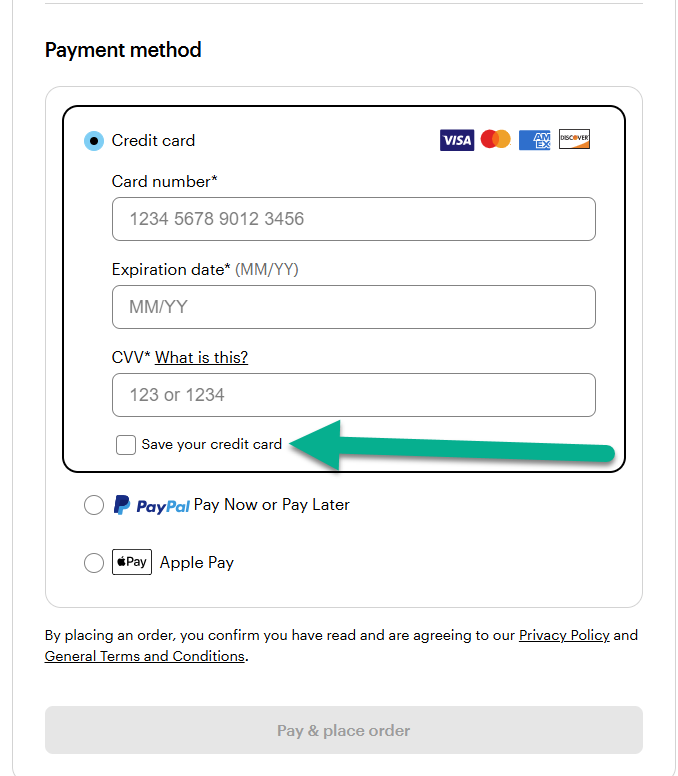
To add a new saved card or payment method to your account, follow these steps:
1
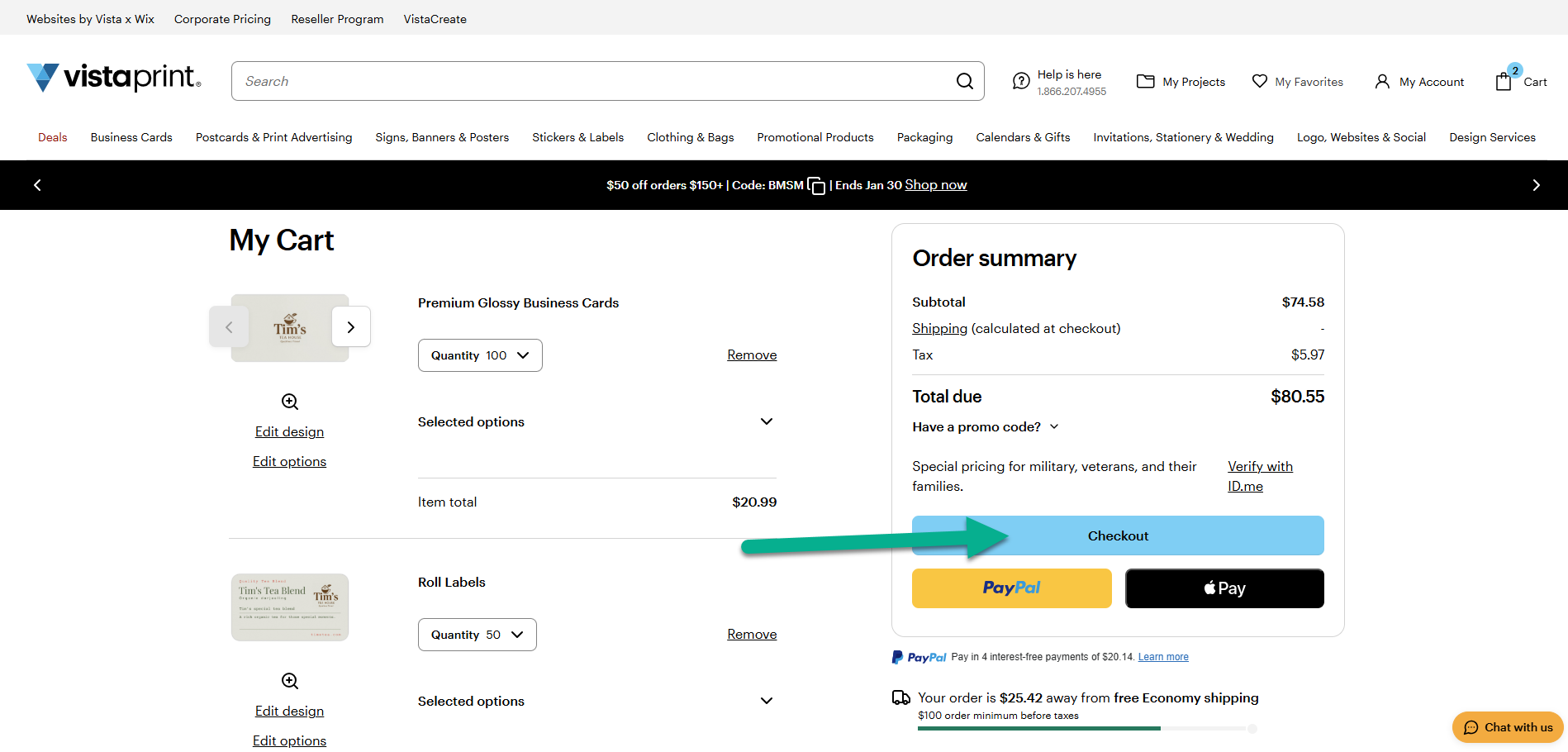
Start checkout
Add your items to the basket and select Checkout to begin placing your order.
2
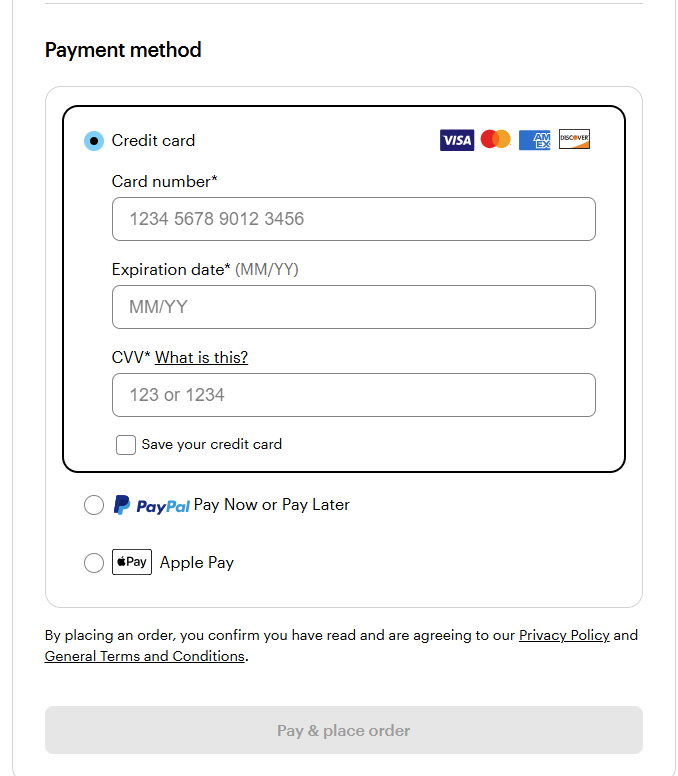
Enter your payment details
In the Payment method section, enter your new credit card information.
3
Save the card
Before proceeding to pay and place the order, tick the box ‘Save your credit card’. This stores the card for future purchases.