

Reviewing your design before placing your order is an important step to ensure everything looks just the way you want. Follow these steps to preview your design:
Open your design in the design studio
This is a good time to make any final changes and check that everything important is within the safety line.
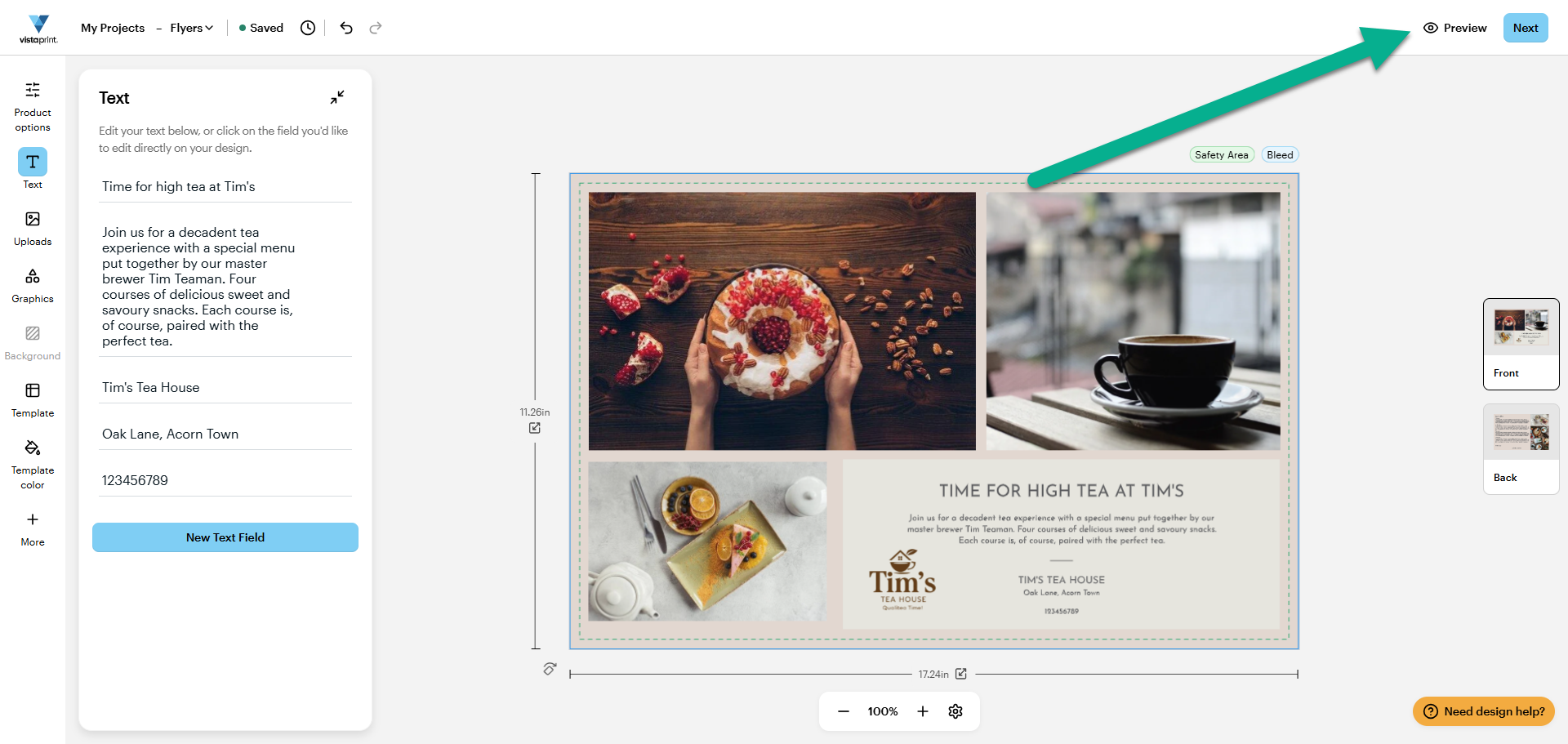
Select Preview
In the toolbar above your design, select Preview.
Review your design
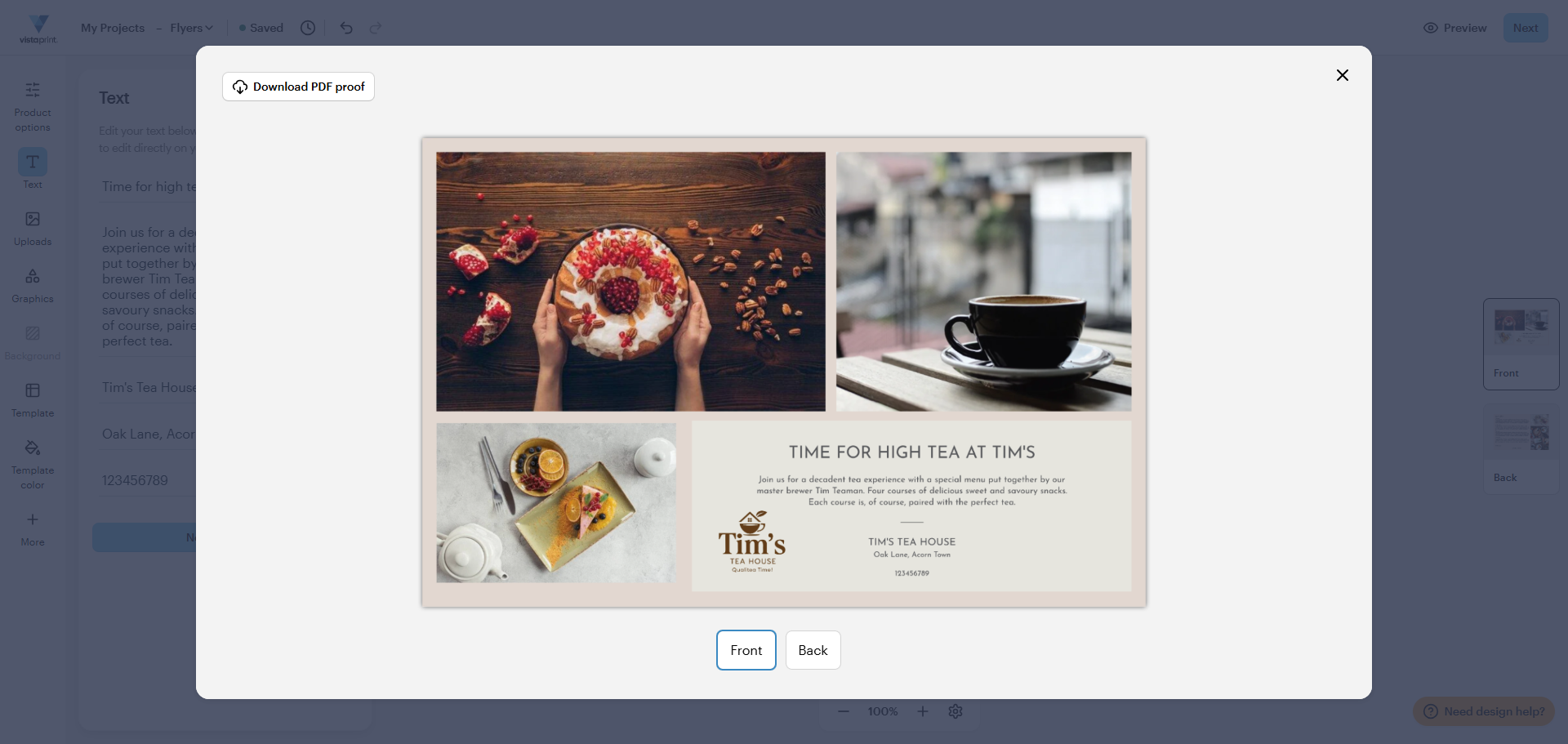
A full view of your design will show on the screen. Your product will be printed exactly as shown on the preview. If you notice any errors at this stage, you can still make edits before placing your order.
Check the back of the design
Select Front or Back to view both sides of the design. Make sure all elements are placed correctly on both the front and back of your design.
You can also download a PDF proof of your design if you'd like a printed version to review, or to zoom in on details. This is especially helpful if your design contains a lot of text.

