How to connect a domain you already own
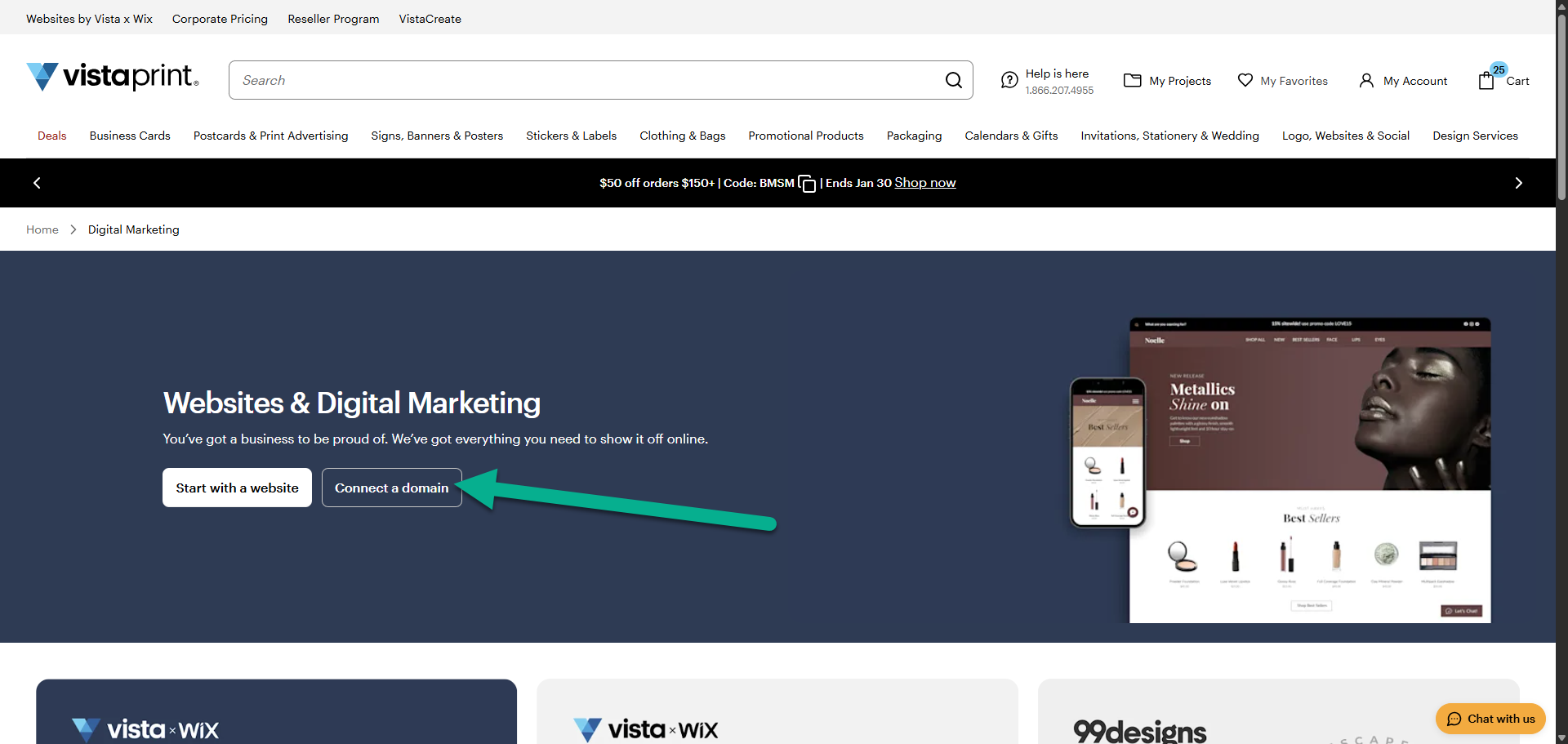
Go to Logo, Websites & Social
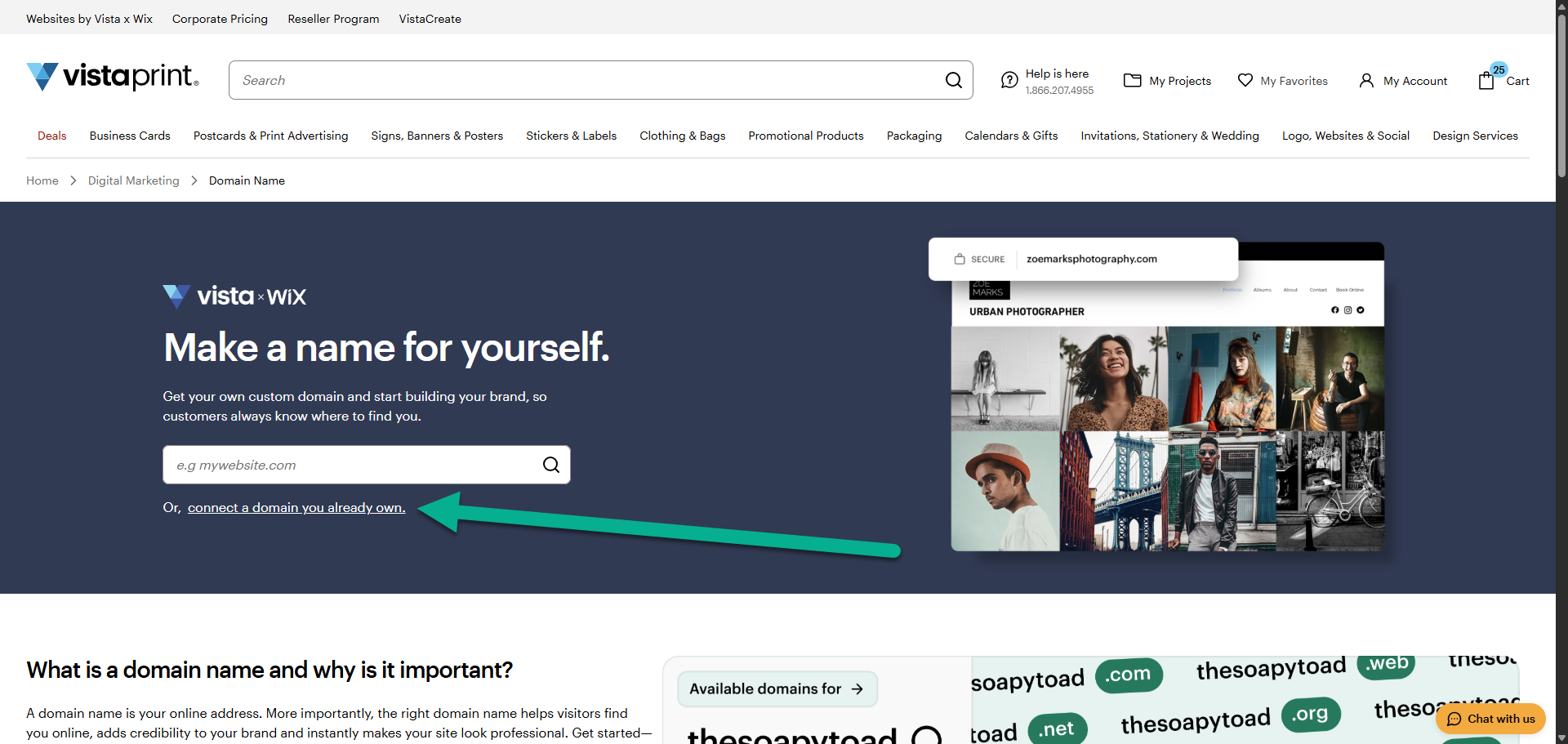
Select Websites and Domains, then choose Connect a domain.
Choose the website to connect the domain to
If you have multiple sites, select the one you want to use with this domain.
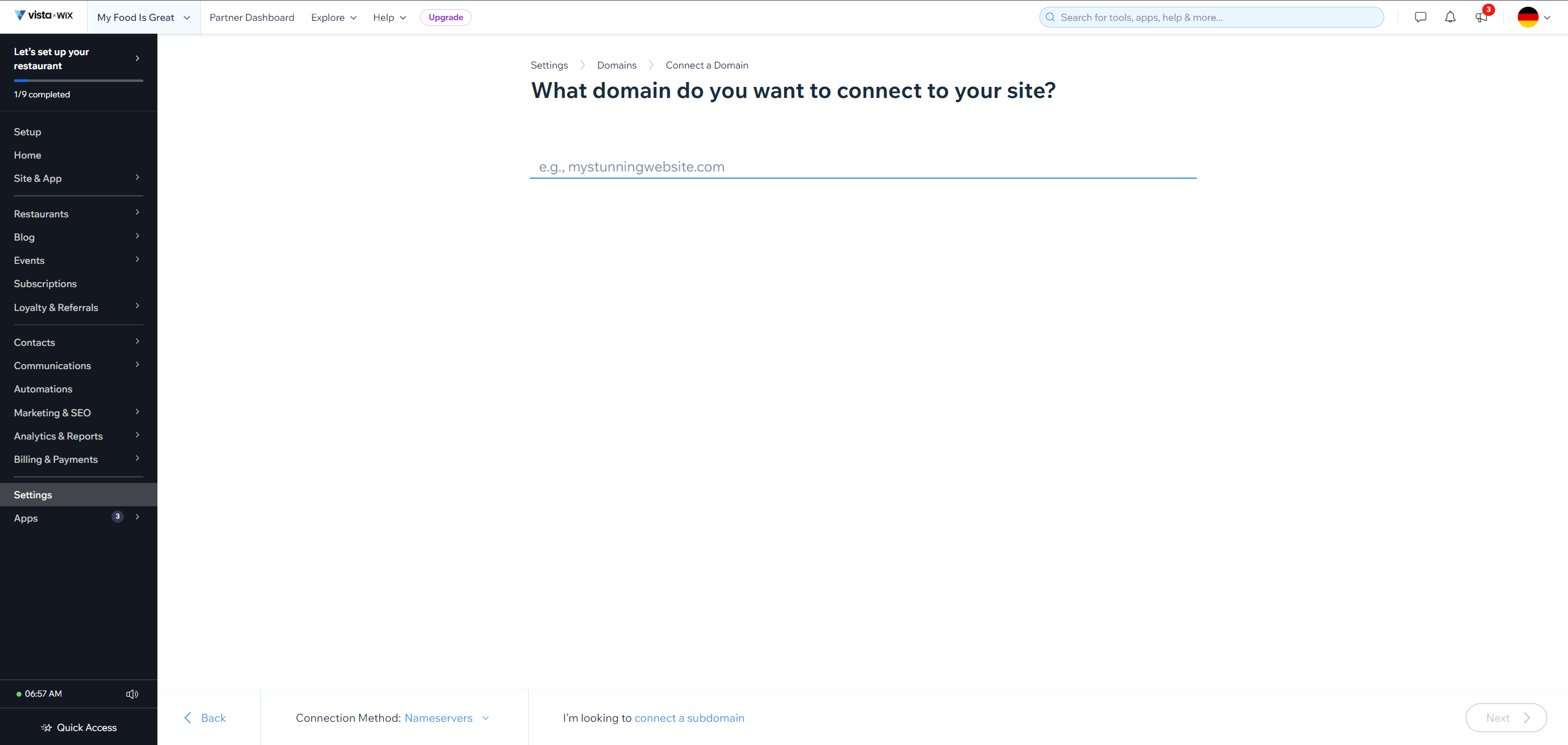
Enter your domain name
Type the domain name you want to connect.
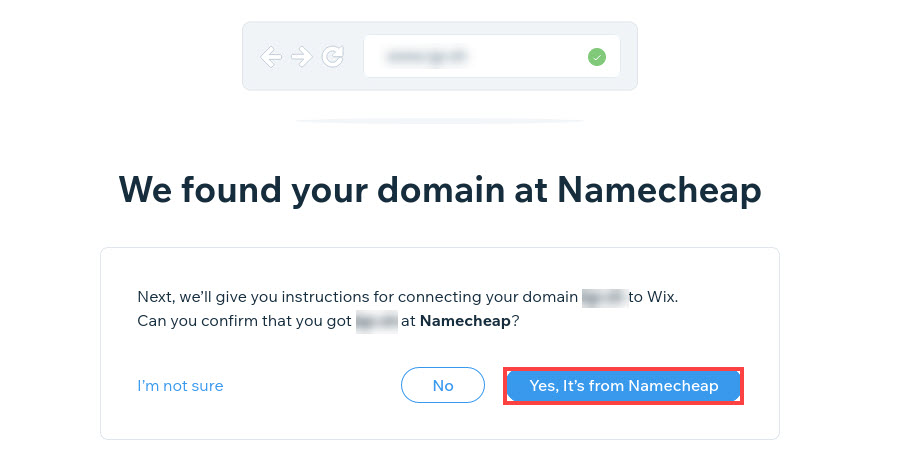
Confirm your domain host
The system will try to identify your domain provider automatically. Confirm that the information is correct before continuing.
Update the domain settings
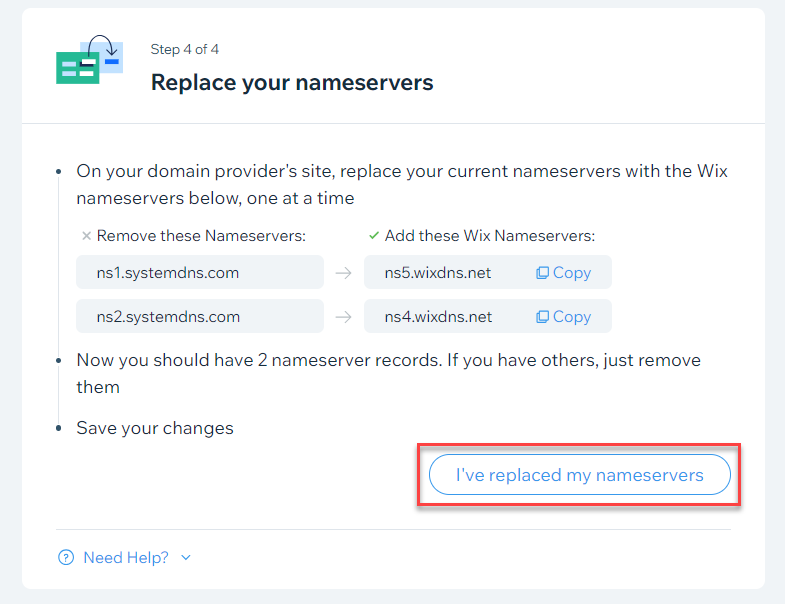
Follow the instructions provided to update your domain's nameservers with your current provider.
Confirm the updates
Once you've updated the nameservers, select ‘I’ve replaced my nameservers’ to confirm that you have completed the steps.
Wait for confirmation
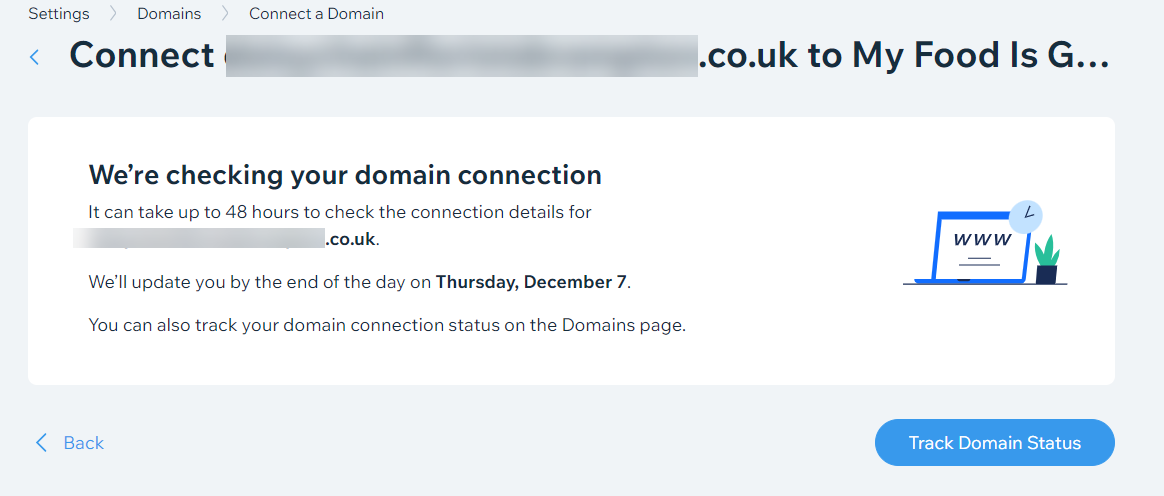
Domain connections can take up to 48 hours to complete. You'll be notified once the connection is finished.