Steps to register your domain
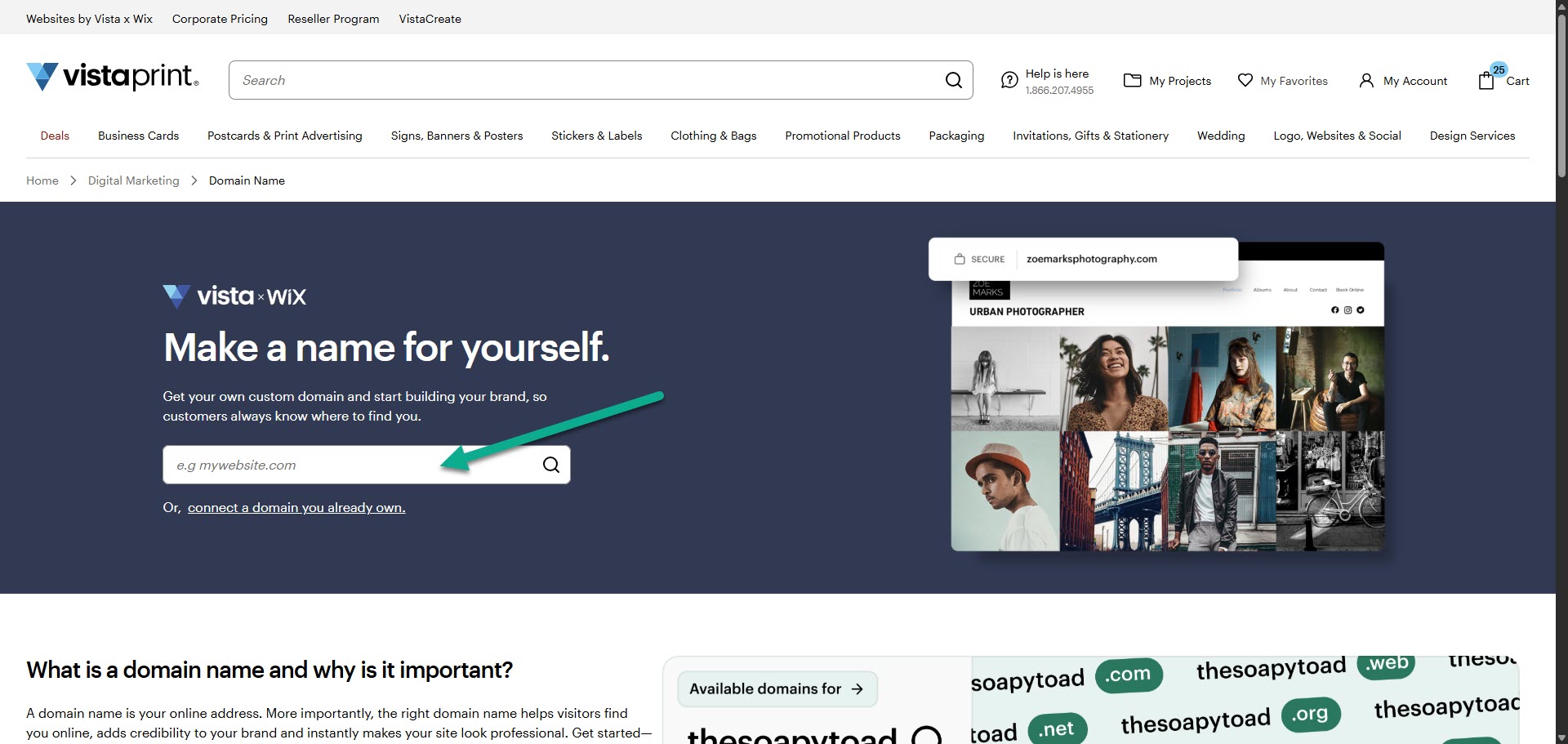
Check if your domain name is available
Enter the domain name you want in the search bar. We'll let you know right away if the domain name is available for registration.
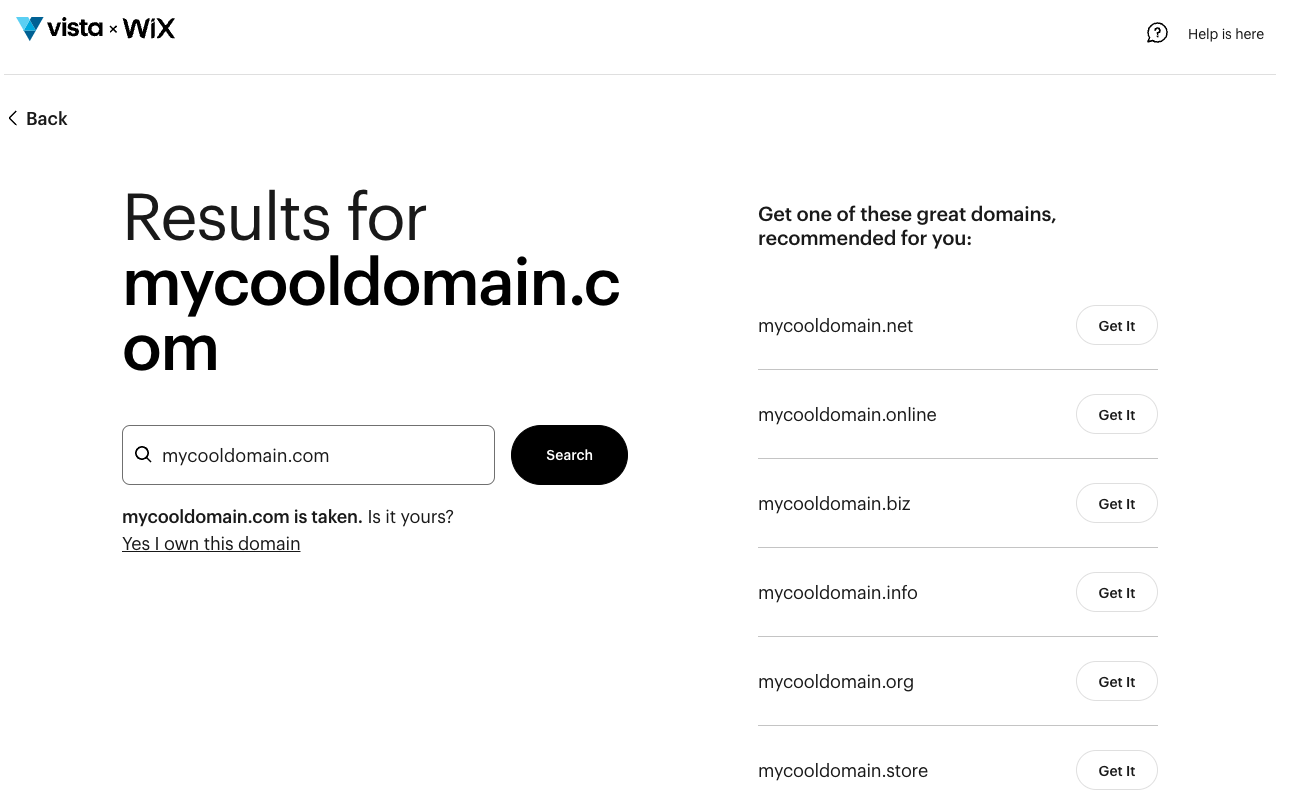
Choose your domain extension
If your first choice of domain extension is taken, you can check the suggested alternatives. If you don't want a different extension, you can always try a different domain name. Once you find a match, select Get it to move forward with your chosen domain.
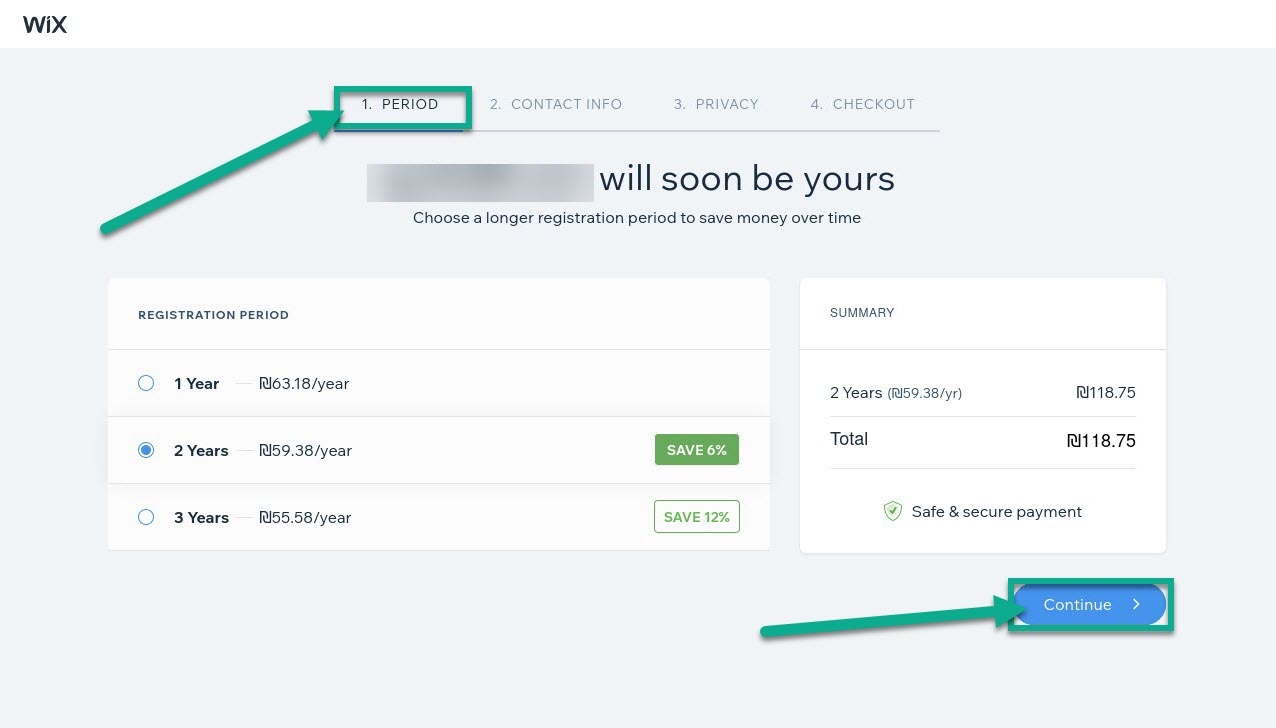
Select a registration period
Choose how long you want to register the domain for. You can select a term of 1, 2 or 3 years. Of course, you can always extend your registration at a later time.
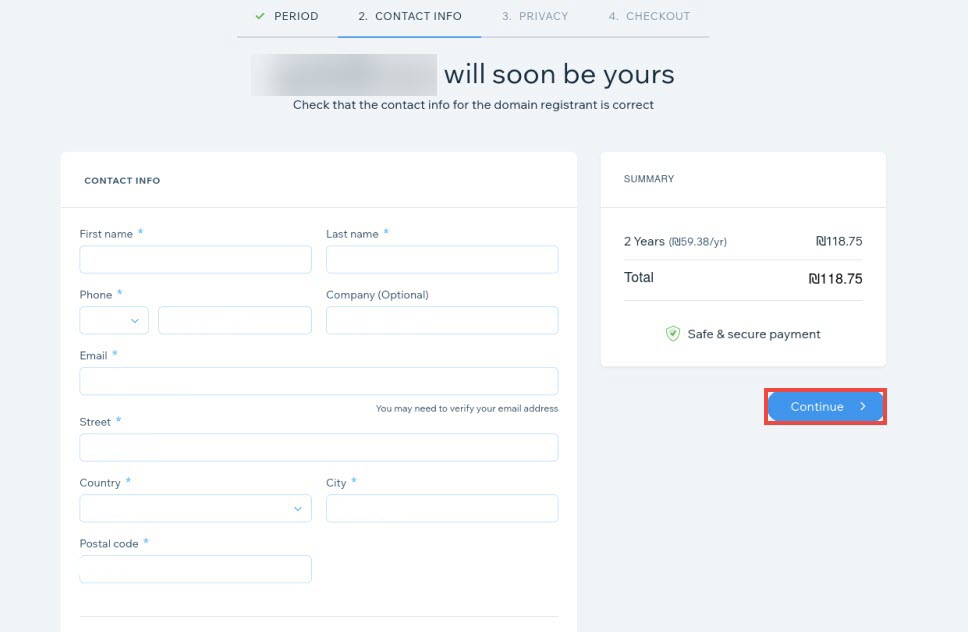
Provide your contact information
Enter the required details for the domain registrant. This information is necessary for official ownership records. Select Continue when all the details are correct.
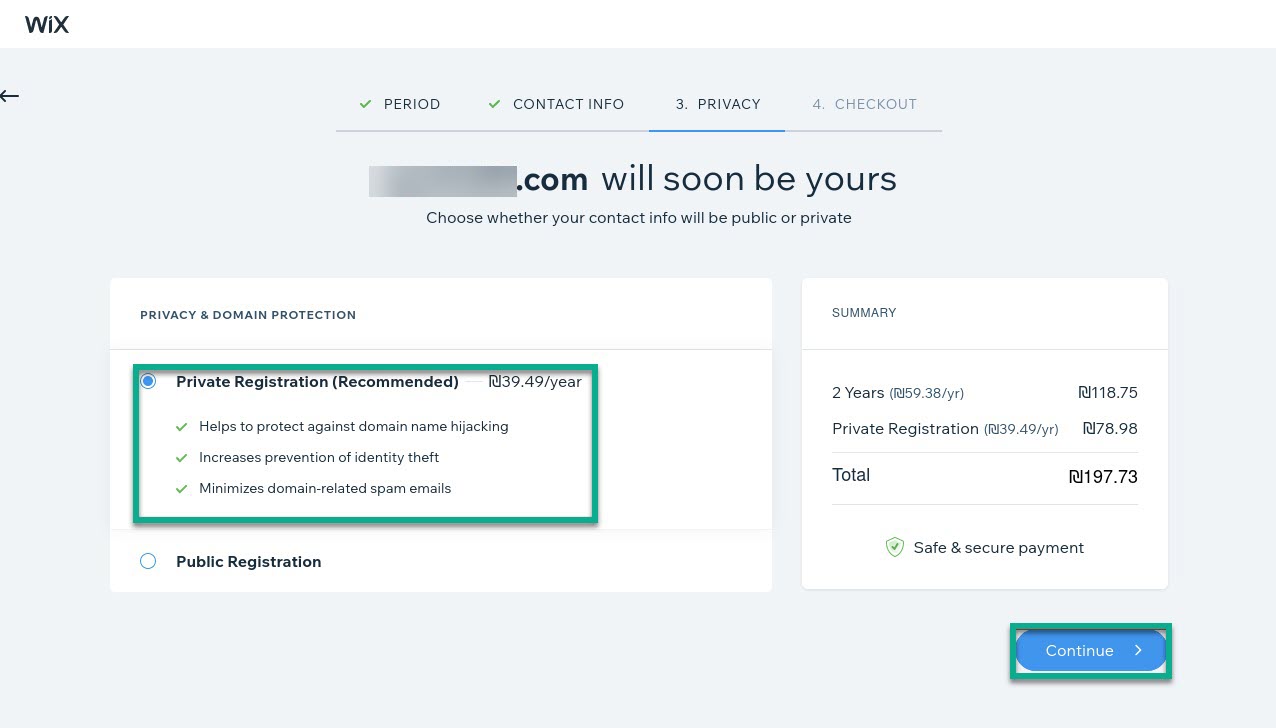
Select your type of registration
Private registration: This option hides your personal contact details from the public WHOIS database by using proxy information.
Public registration: Your contact details are listed openly in the public WHOIS database as required by domain regulations.
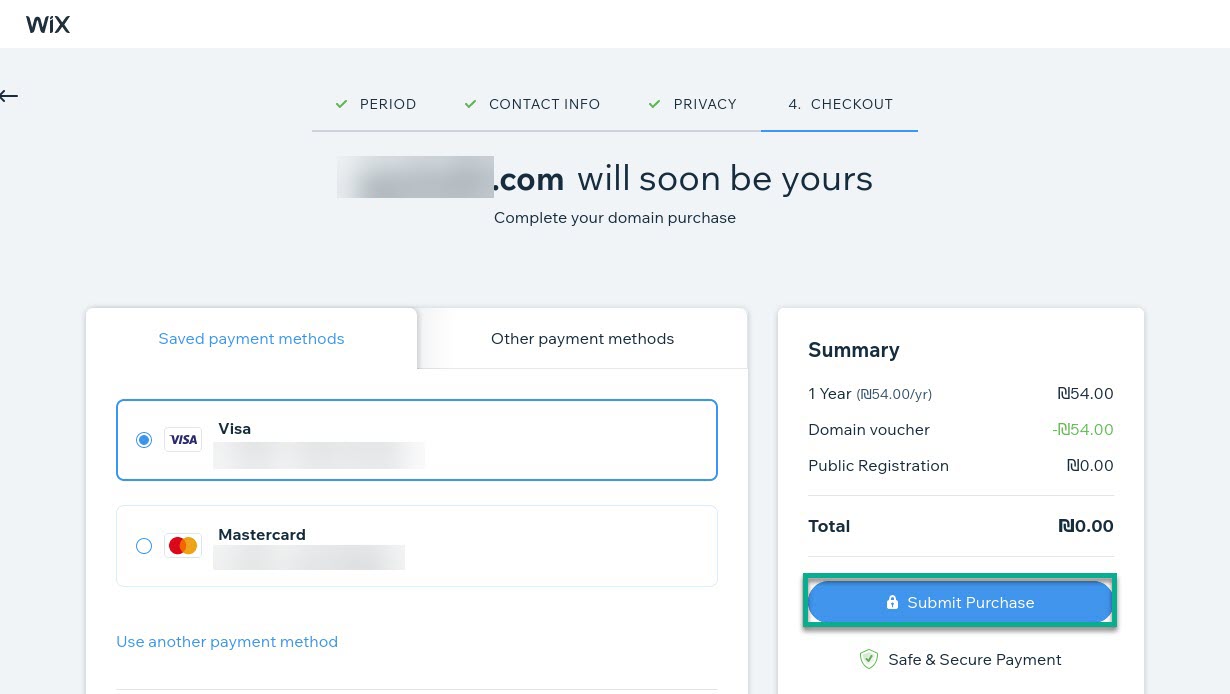
Confirm your payment details
Select Purchase to finalise the transaction.
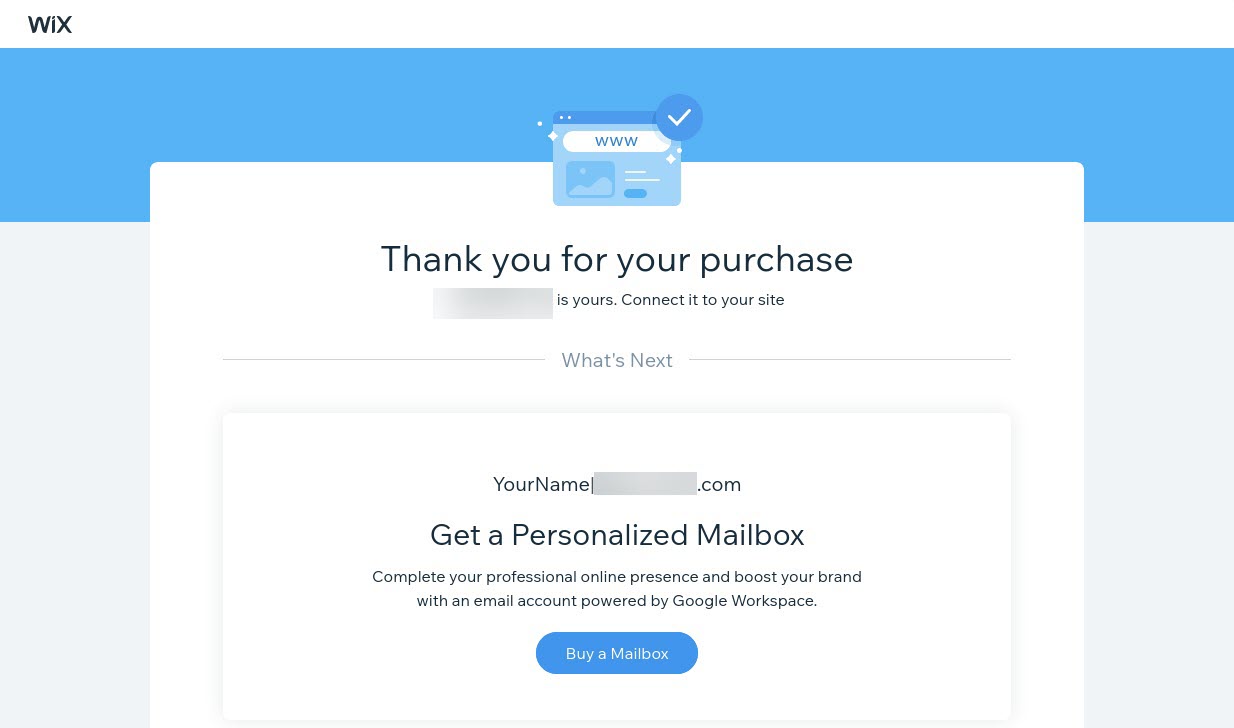
Connect your domain to a site
You can now connect this domain to a site or set up a professional mailbox in the Websites and Digital section of your account.