

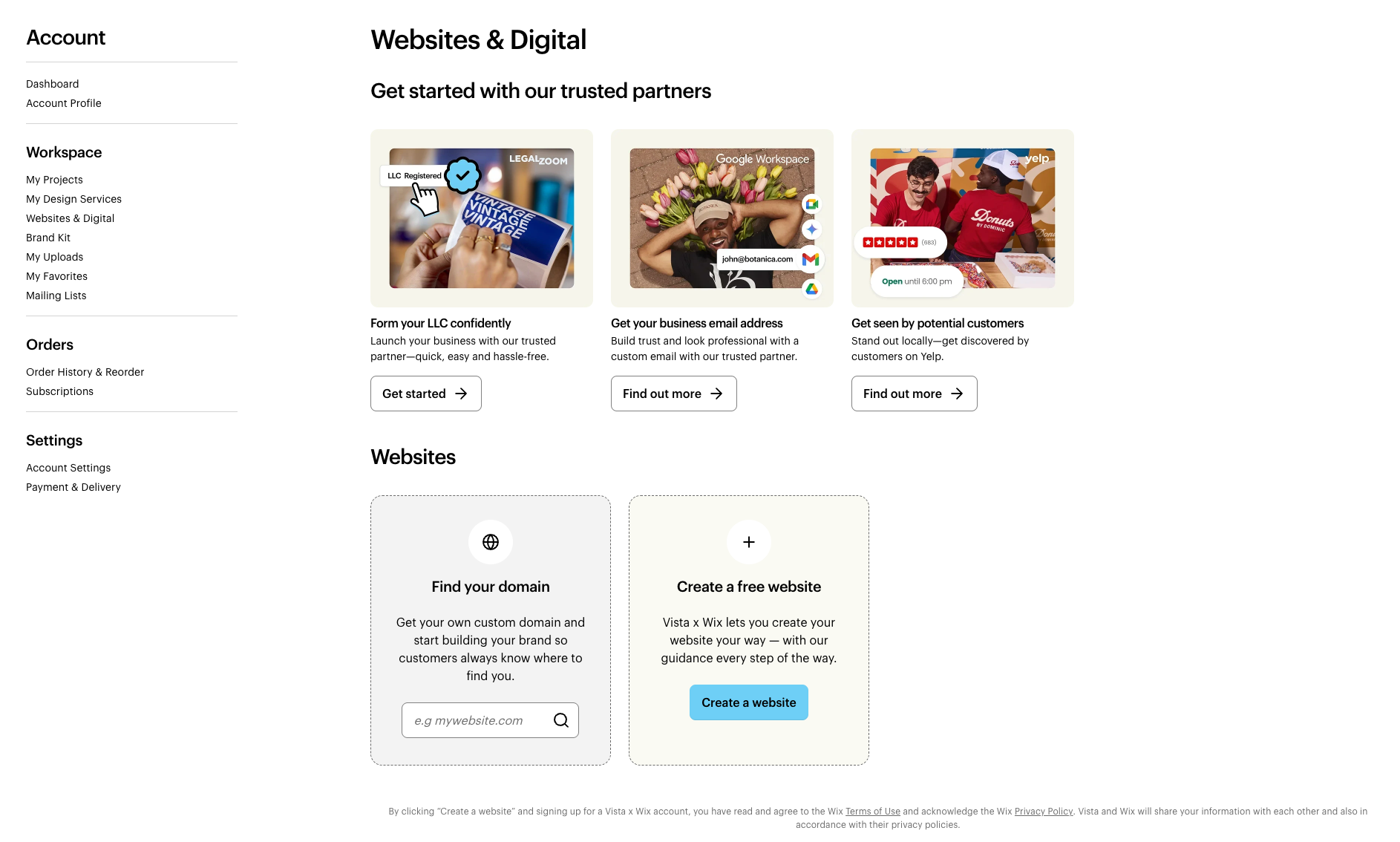
To access your website, follow these steps:
1
Sign in to your account
2
Open Websites & Digital
Select My Account, then Websites & Digital. Here, you'll find your websites and can manage your digital subscriptions.
To access your website, follow these steps:
Sign in to your account
Open Websites & Digital
Select My Account, then Websites & Digital. Here, you'll find your websites and can manage your digital subscriptions.

