

1
Open My Account
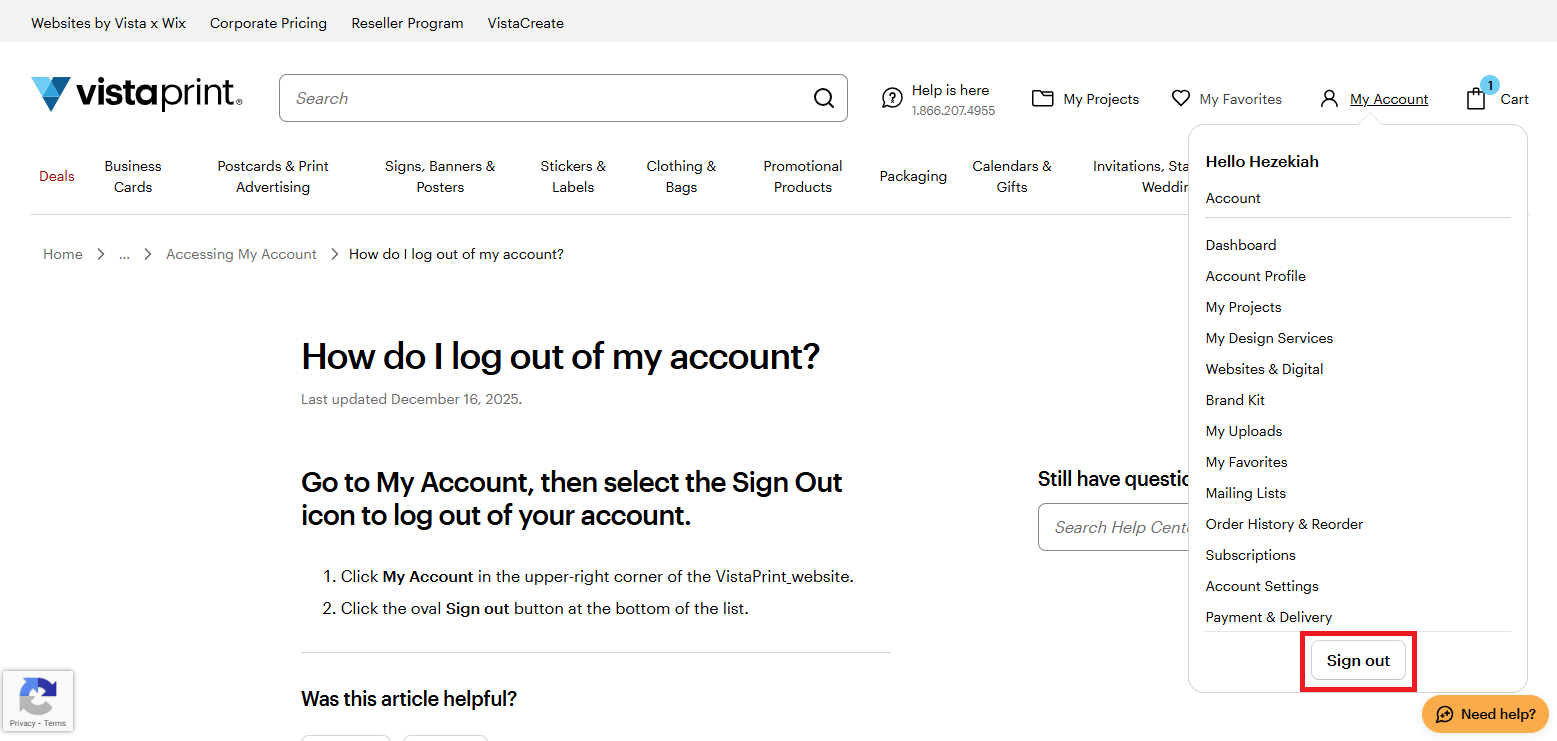
In the top navigation, select My Account. This opens your account menu, where you can manage your profile and settings.
2
Select Sign out
Signing out only logs you out on the device you’re currently using.
On smaller screens, My Account may appear inside the menu icon in the top navigation as a person icon.

