Each section of the page provides different information about options, materials and pricing.
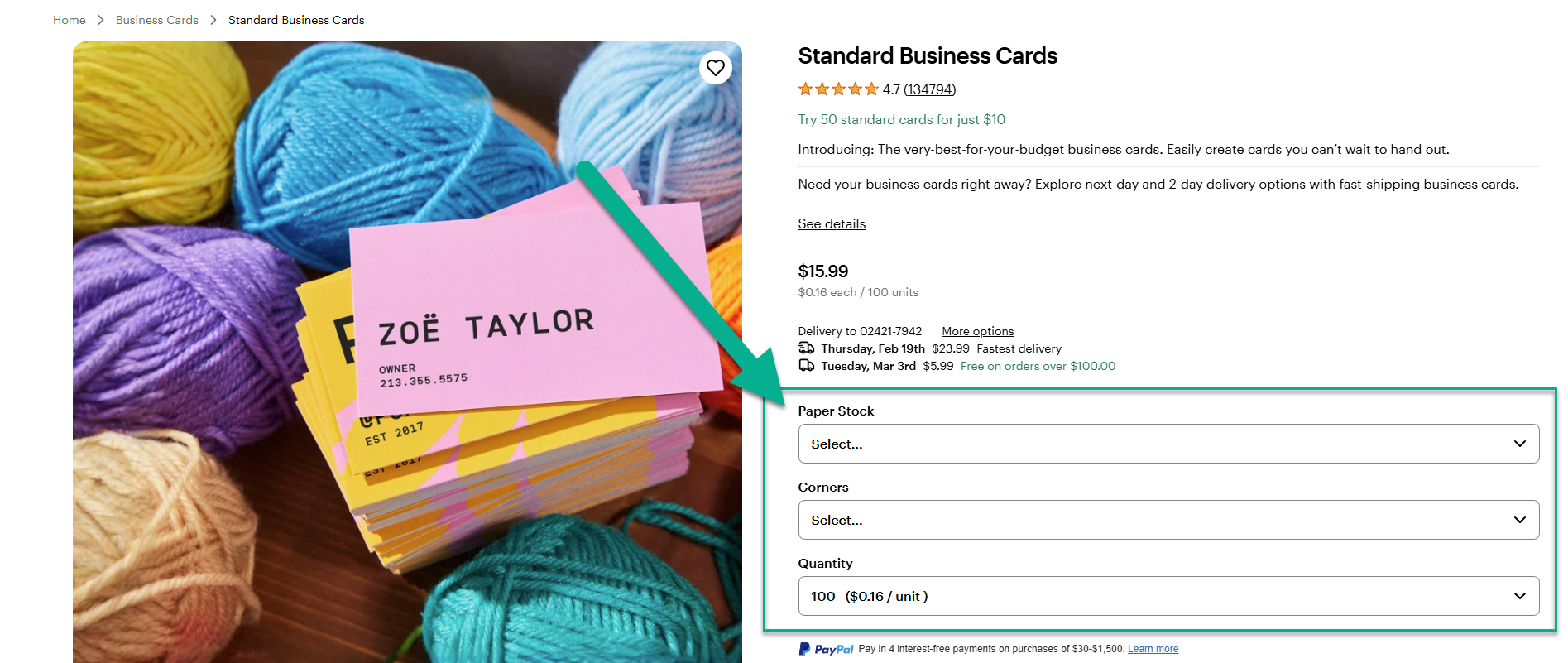
The selection menu
Check the selection menu to get a quick overview of the available options for your product.
Here you will find information about:
Paper stocks and material types
Product shapes and corner styles
Quantity options and pricing
The specs & templates tab
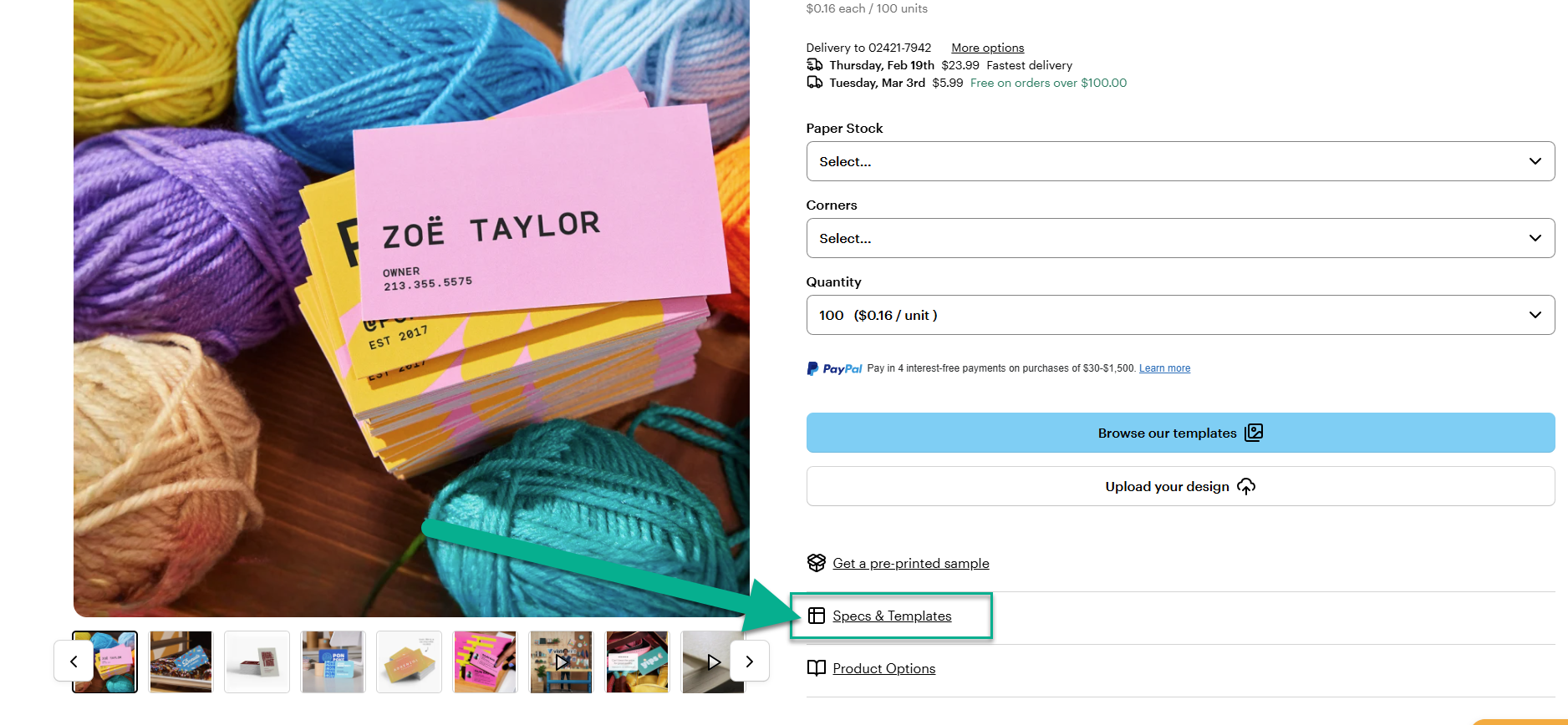
Open the specs and templates tab for the technical requirements for your design.
Here you will find:
Exact dimensions
Guidelines for bleed, safety margin and trim
Downloadable templates
The product options tab
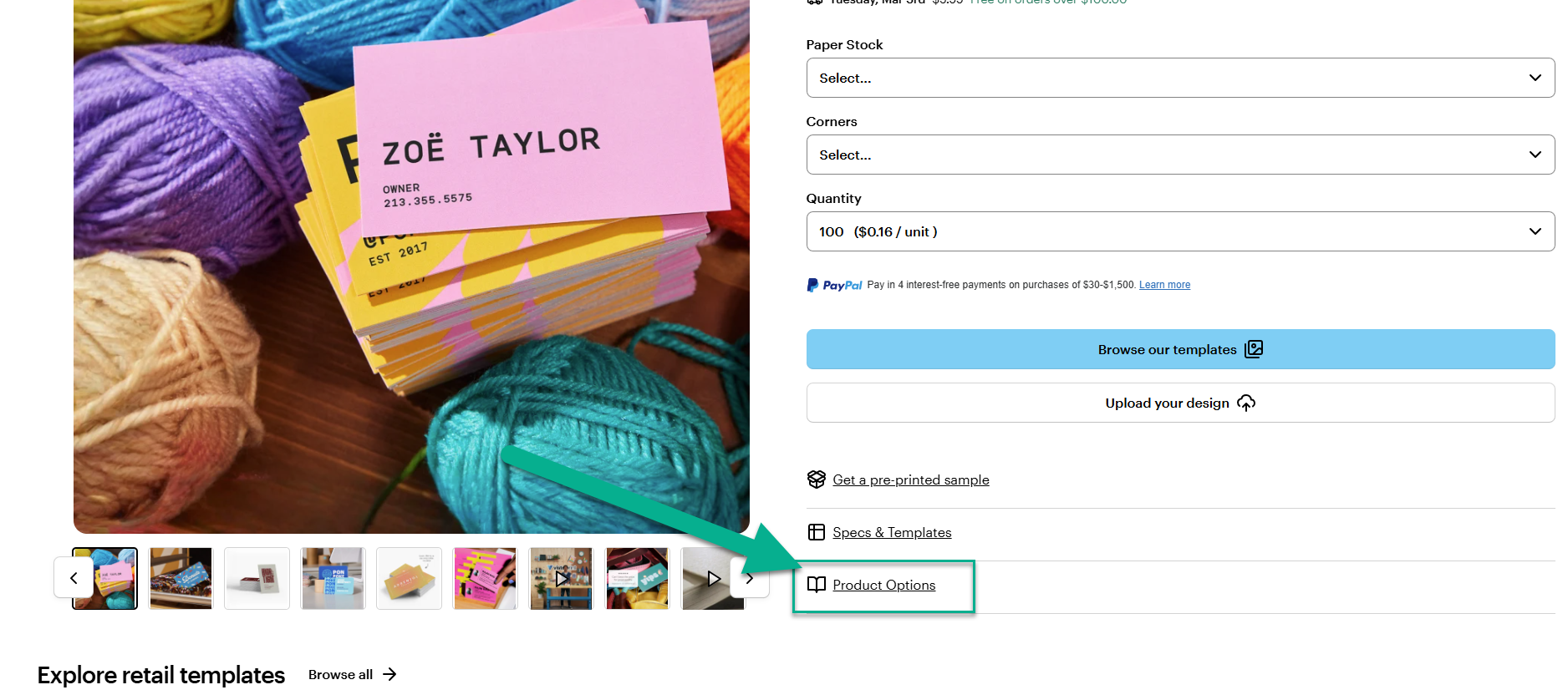
Open the product options tab to find more detailed information about the available options.
This tab, for example, contains information about:
Paper thickness
Paper stocks
Finishes
Shapes
Corners
The FAQ section
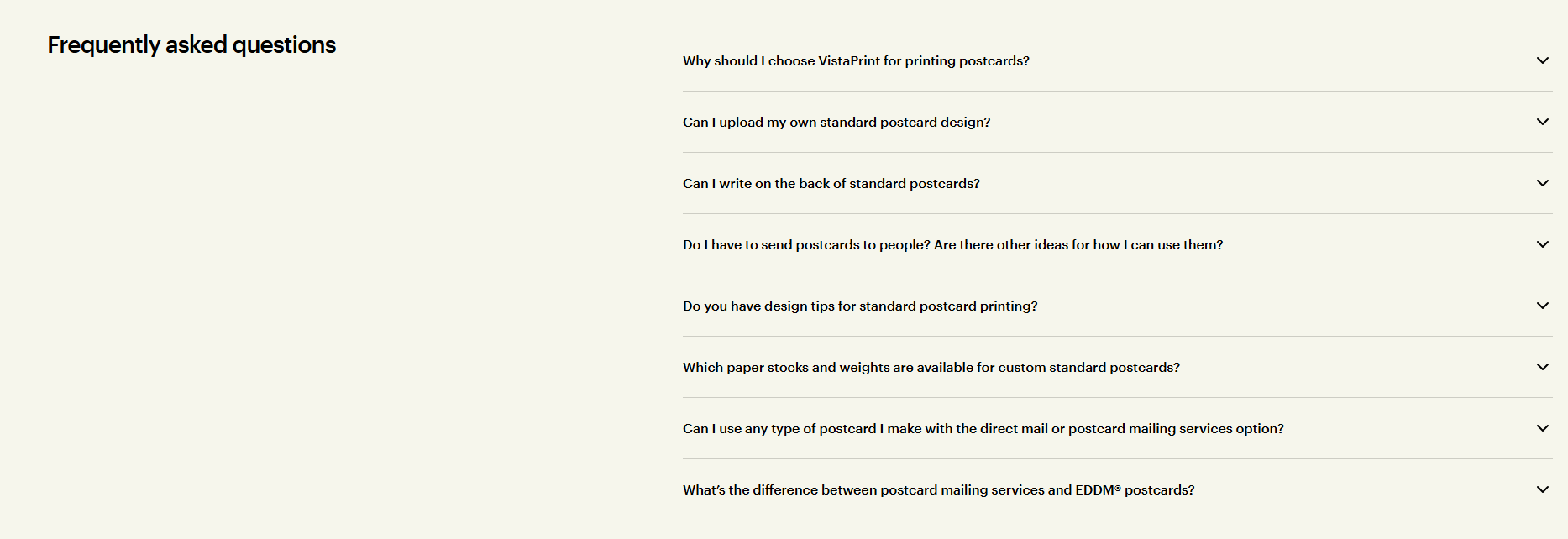
Visit the FAQ section at the bottom of the page to find answers to typical customer questions about the product.