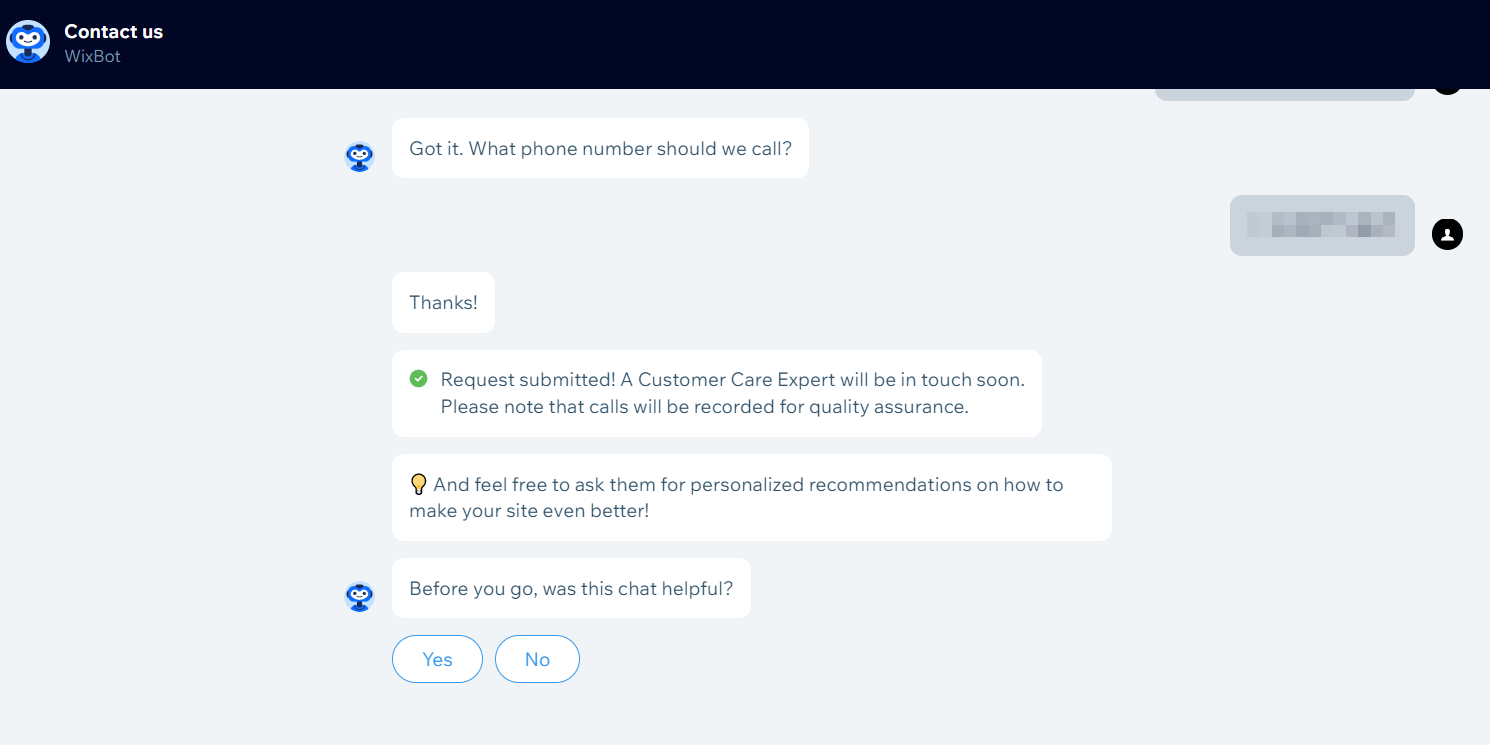
If you have a concern that was directed to Wix customer service and you missed the call, follow the steps below to request a new callback.
Check your email for a callback notification
Find the email in your inbox letting you know that Wix tried to reach you. It includes a link to the chatbot you can use to request a new call.
Sign in to the Wix chatbot
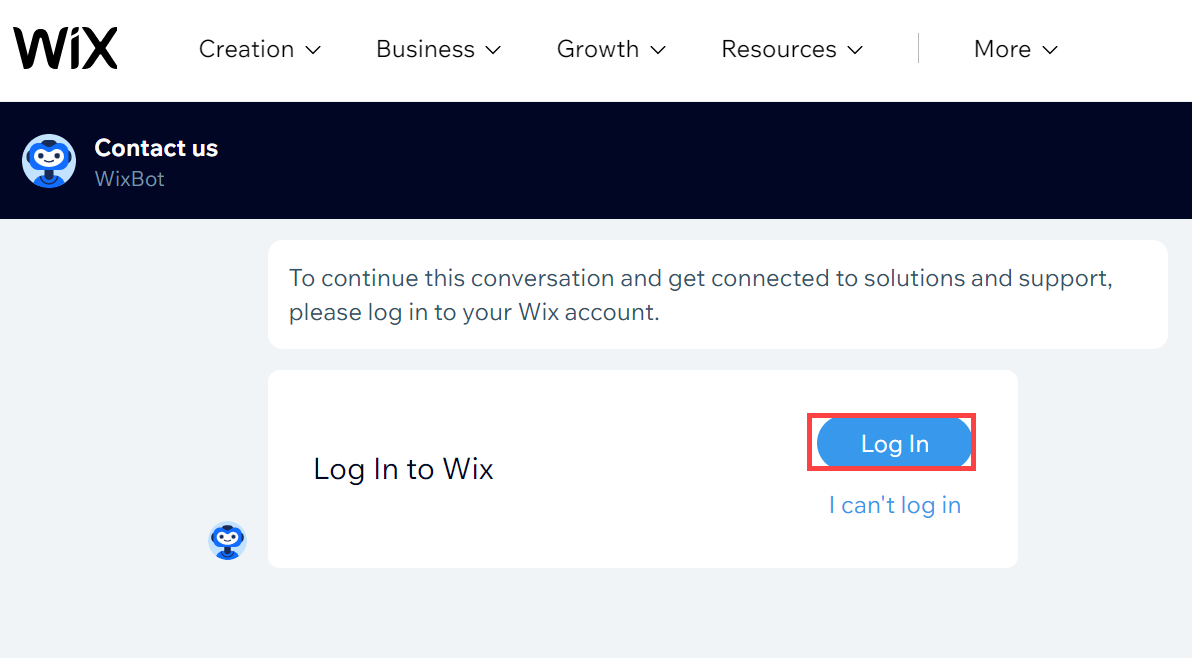
Once you arrive at the Wix chatbot page, choose the option to sign in.
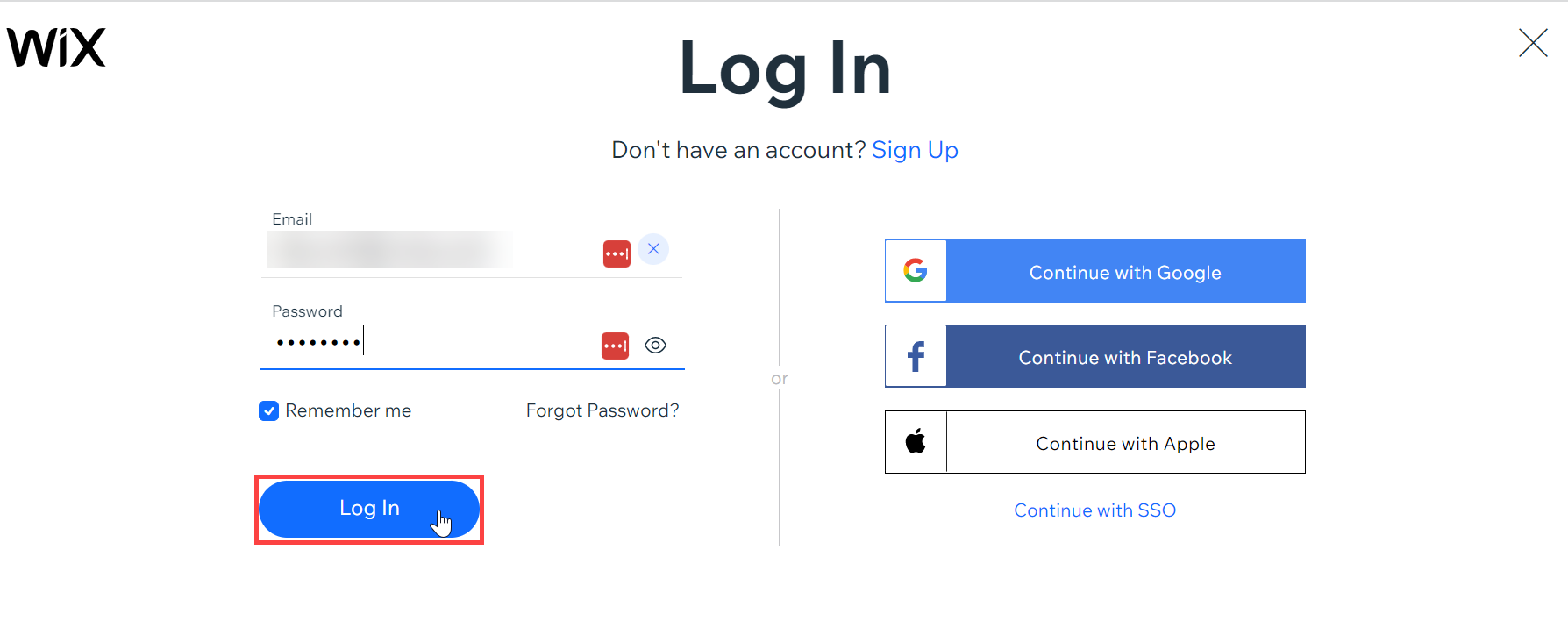
Enter your VistaPrint credentials
Provide your VistaPrint email address and password to continue.
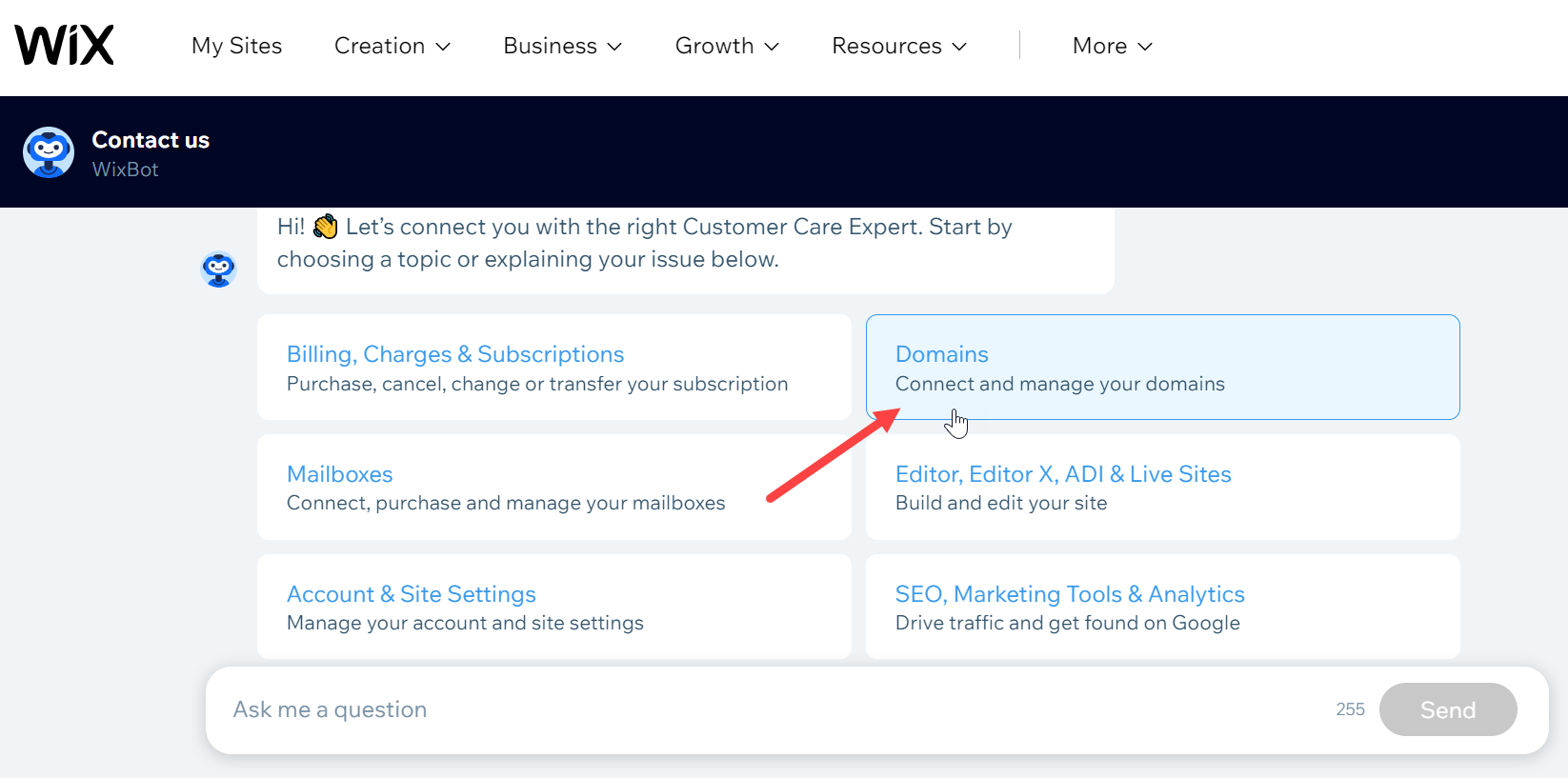
Select your issue topic
Pick the category from the list that best matches your current issue.
The chatbot will ask a few more questions to make sure your request goes to the right team.
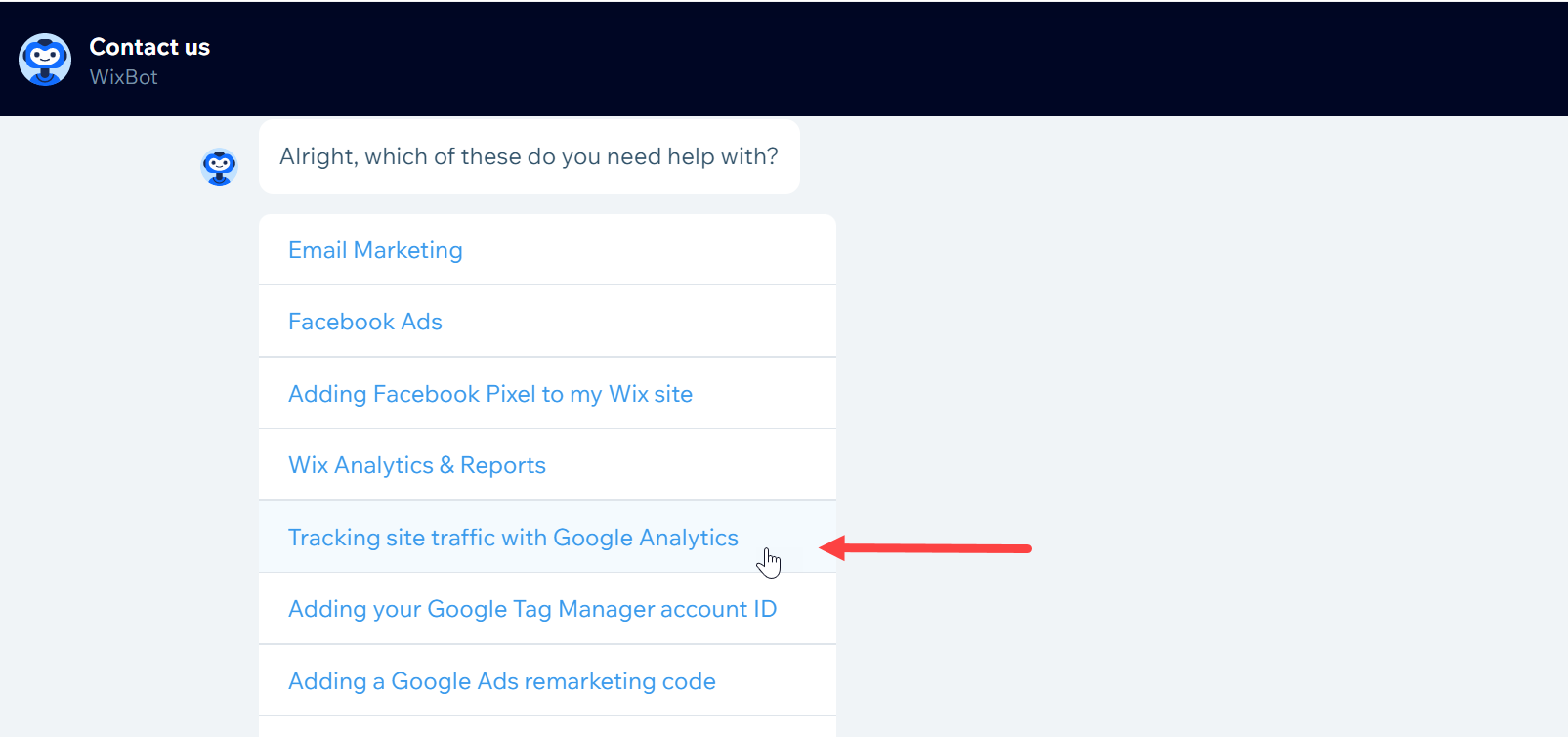
Check suggested articles
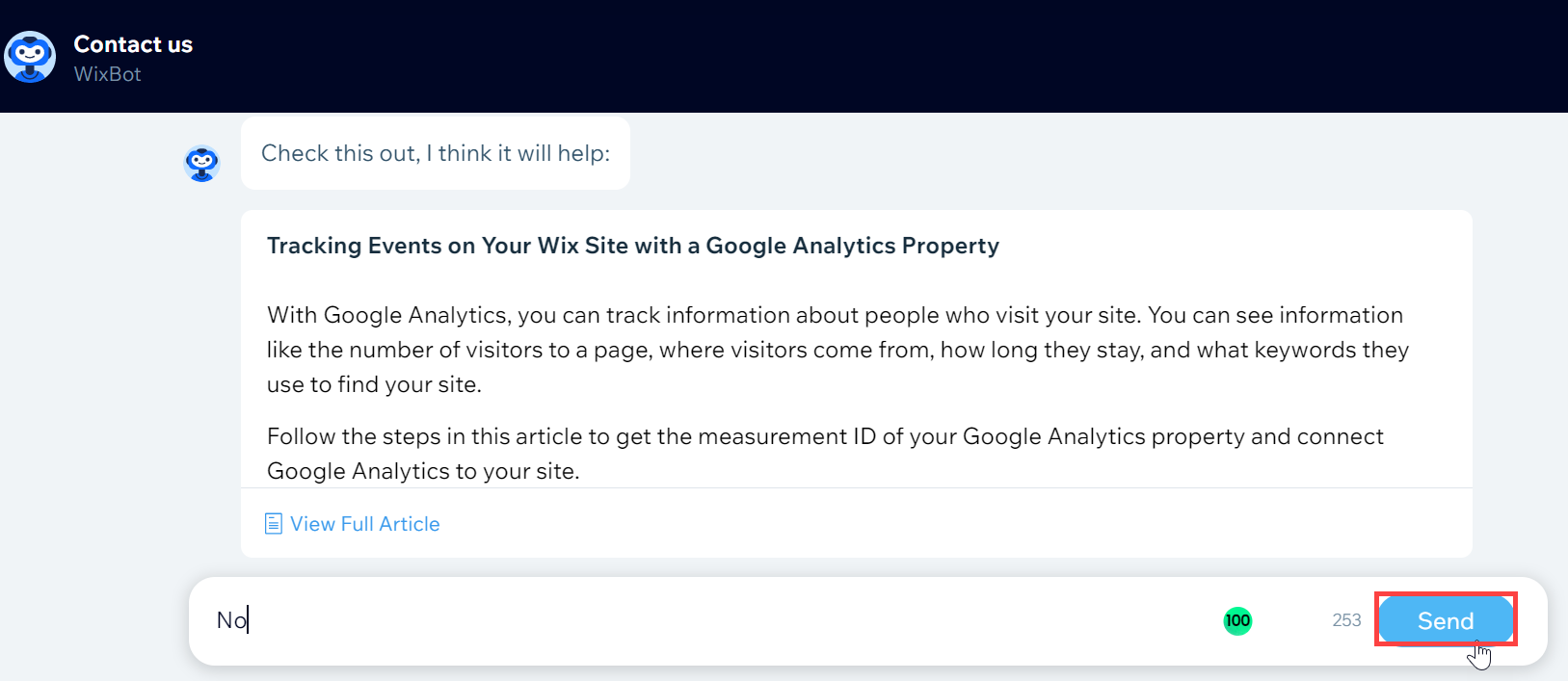
The bot will share a help article that may resolve your issue. If you still wish to have a call with Wix, type No to continue to a specialist.
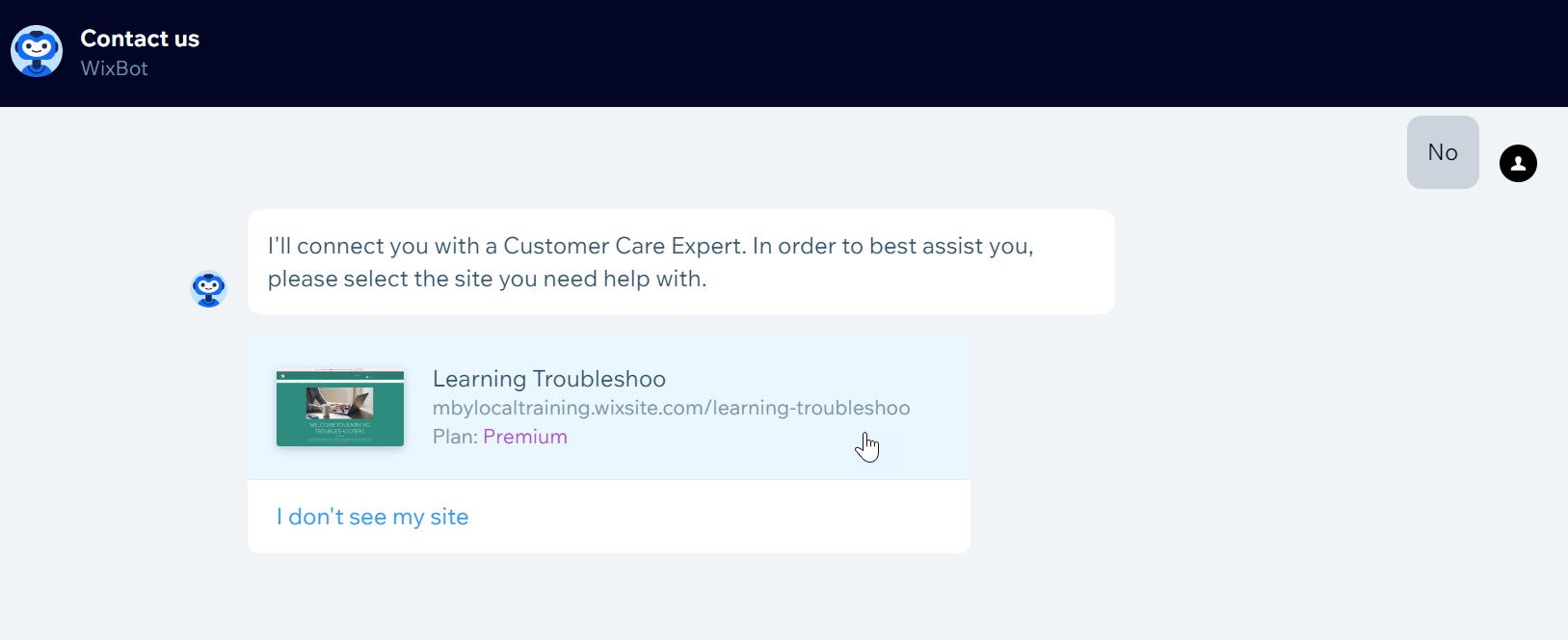
Choose the site needing assistance
Select the specific website you are working on from the list provided.
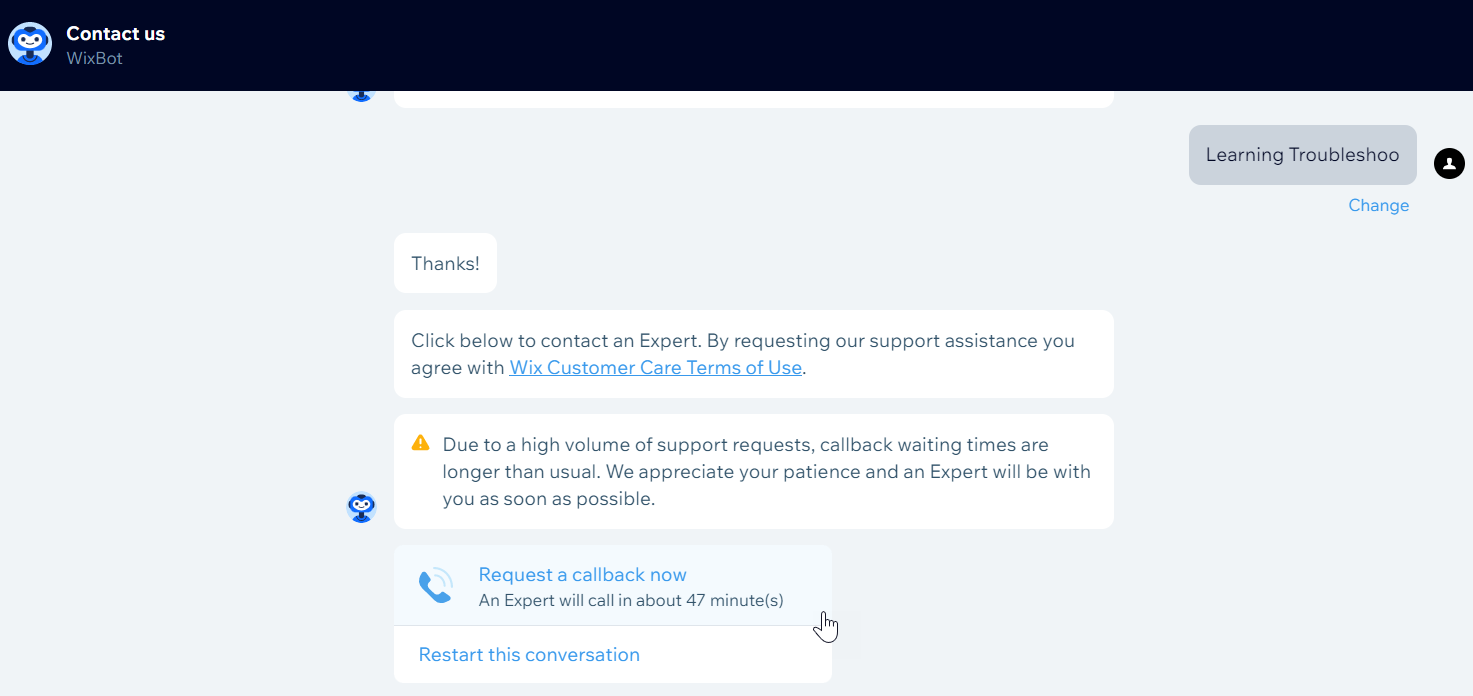
Request a callback
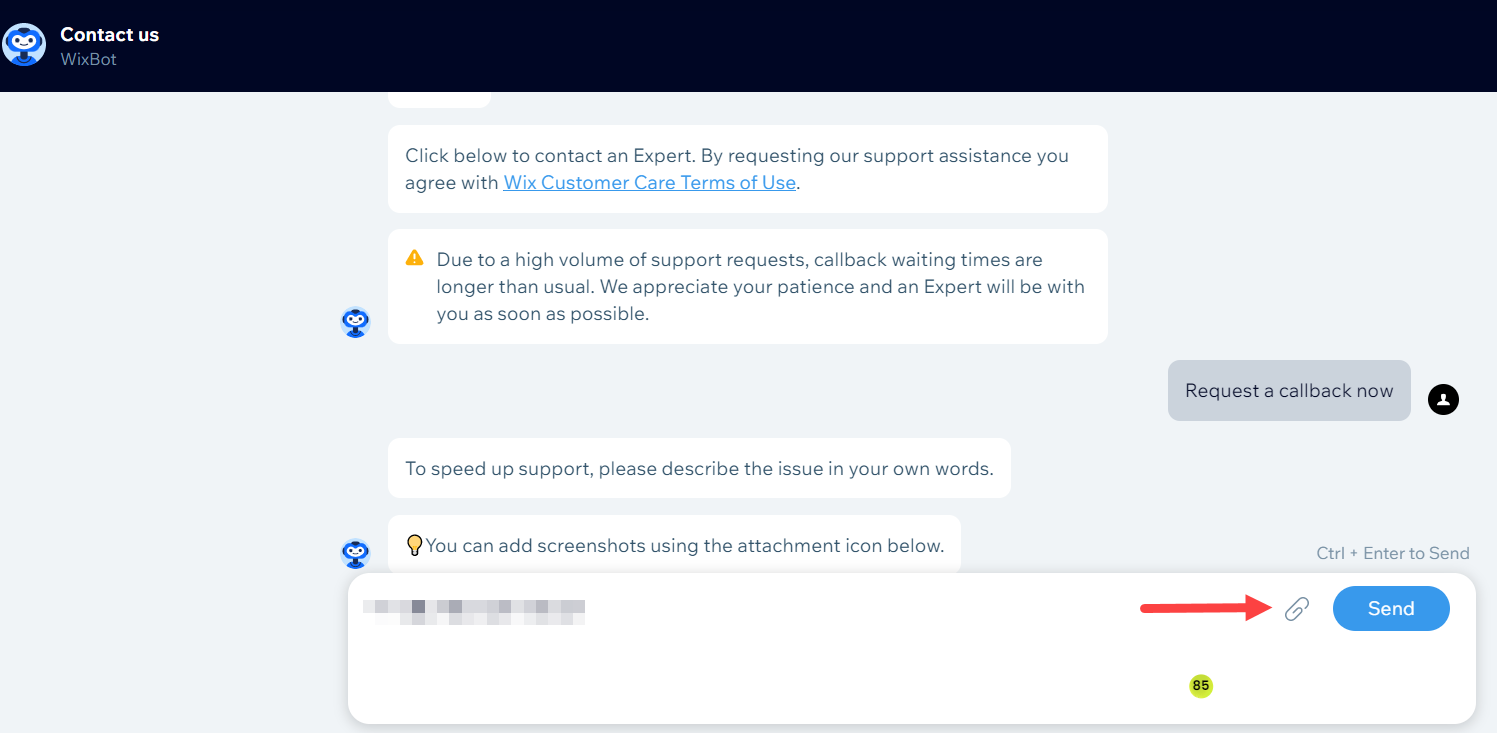
Select Request a callback now. Please note that it can take up to 24 hours for a specialist to call you back. The chatbot will let you know how long the expected wait time is.
Provide additional issue details
Type a brief description of what you need help with. You can also upload screenshots if they help explain the issue.
Submit your callback request
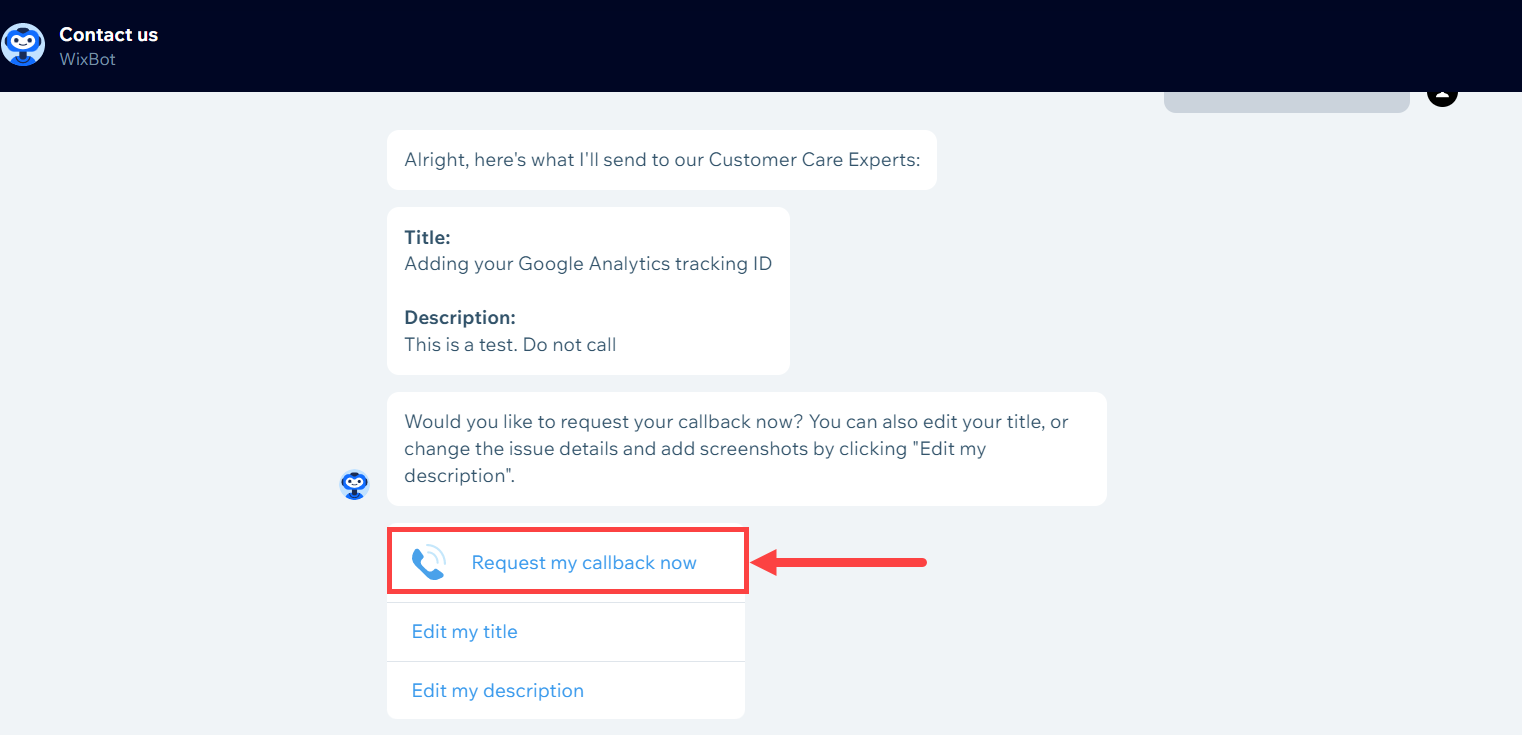
Select Request my callback now to finish your request.
Add your phone number
Enter your phone number. Once submitted, a Wix agent will call you within 24 hours.