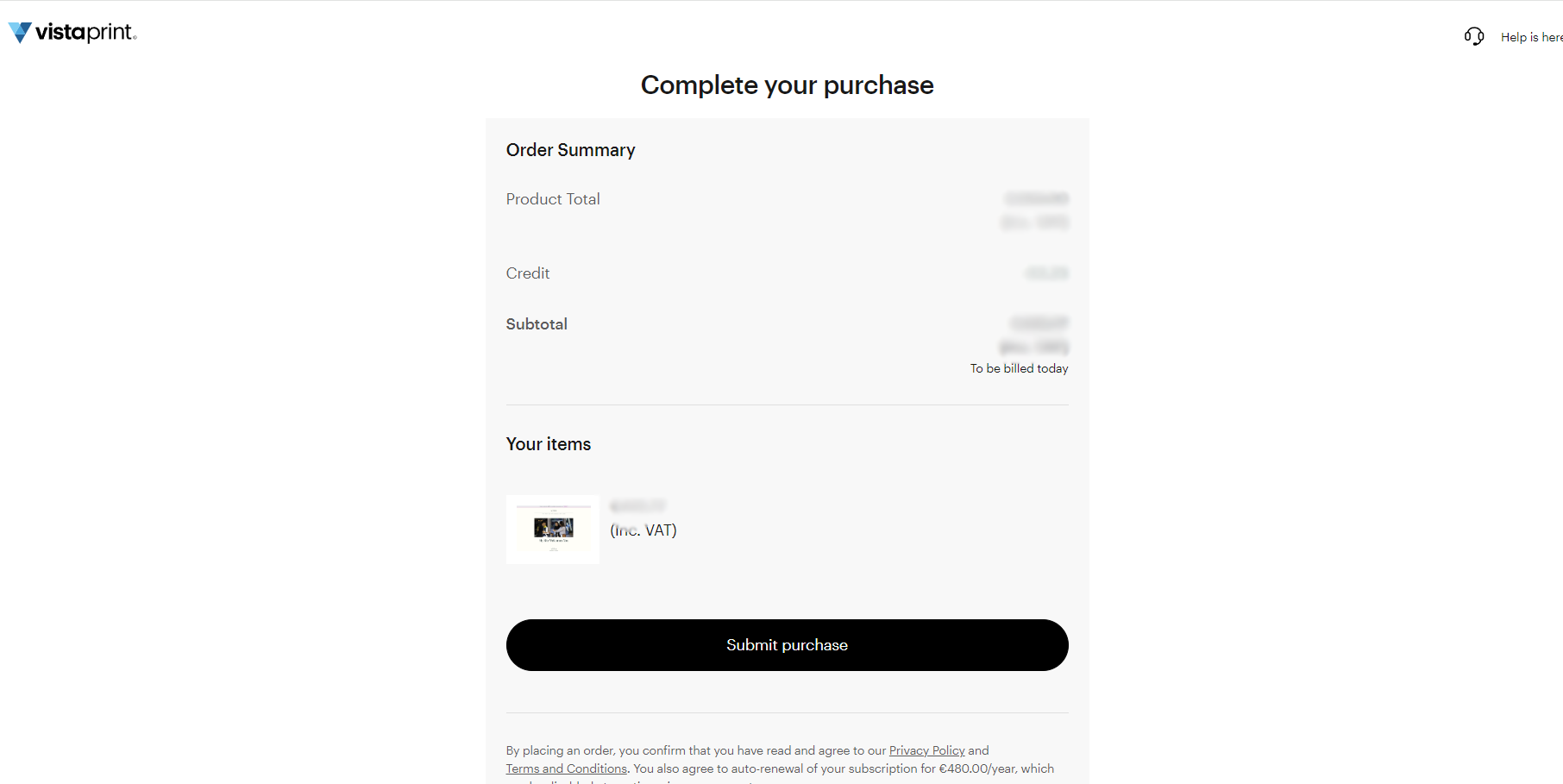
Steps to upgrade your plan
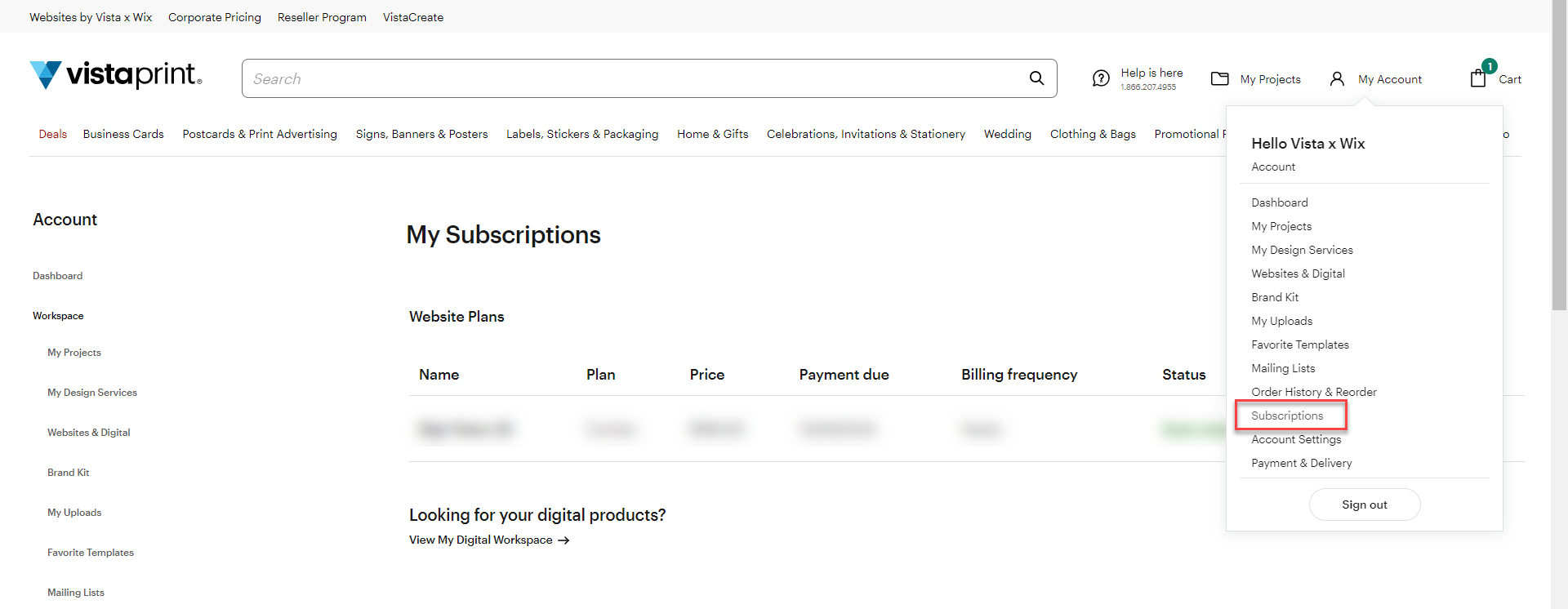
Go to your Subscriptions page
Open My Account and select Subscriptions.
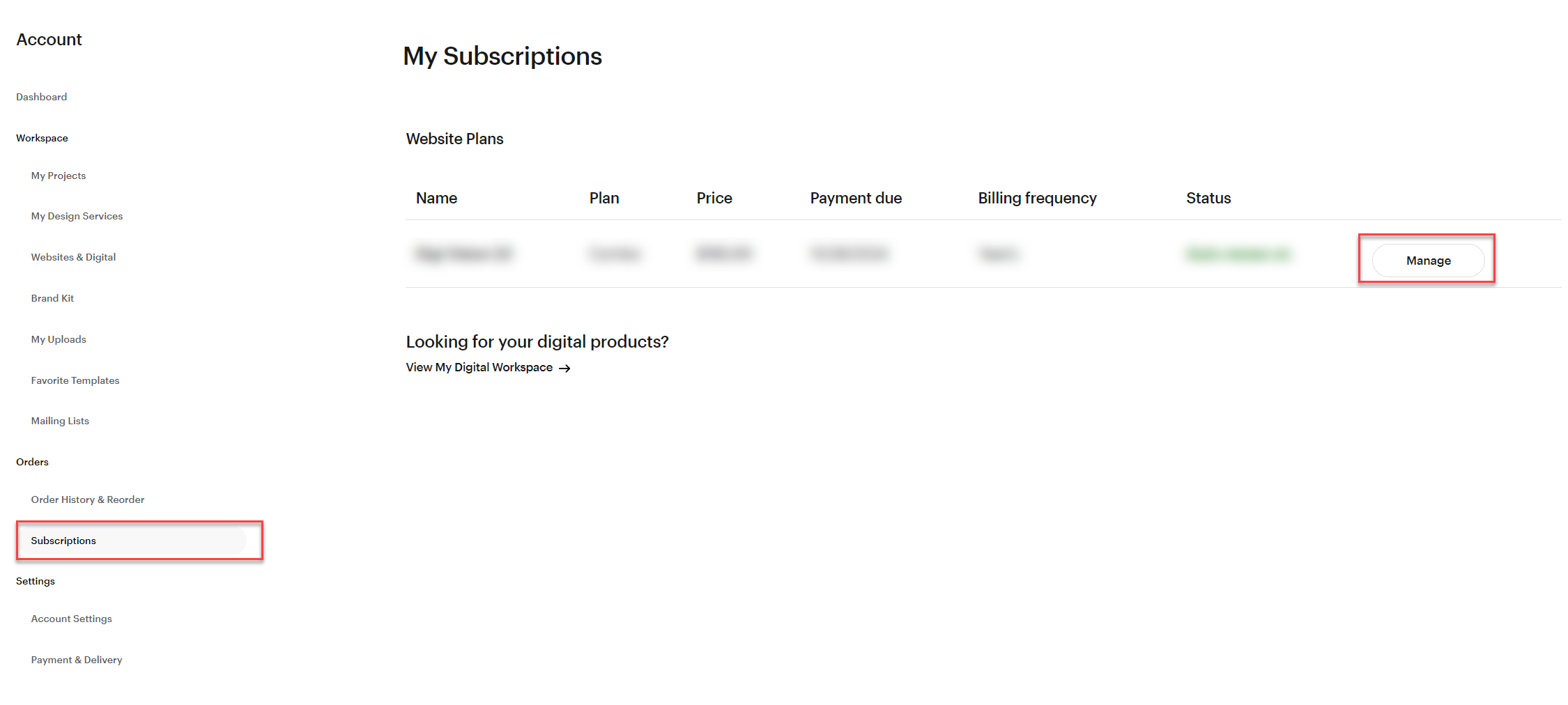
Find your subscription
Locate the specific subscription you want to change and select Manage.
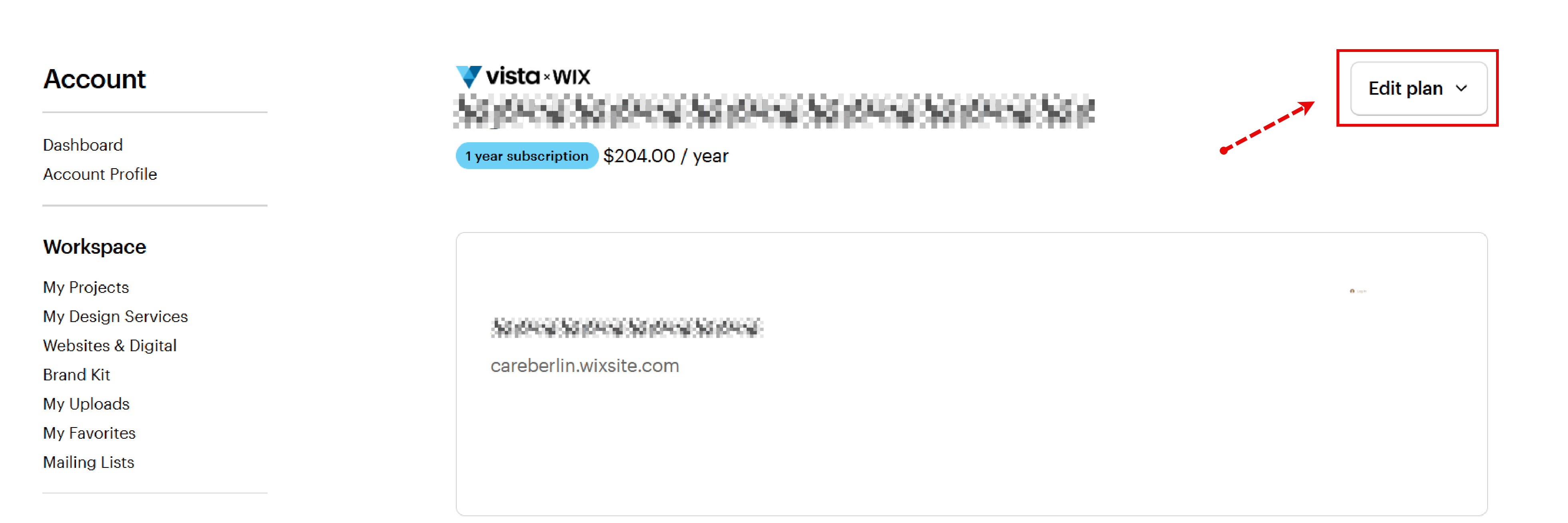
Start the upgrade
Select Edit Plan (usually in the top-right corner) and choose Upgrade plan from the drop-down menu.
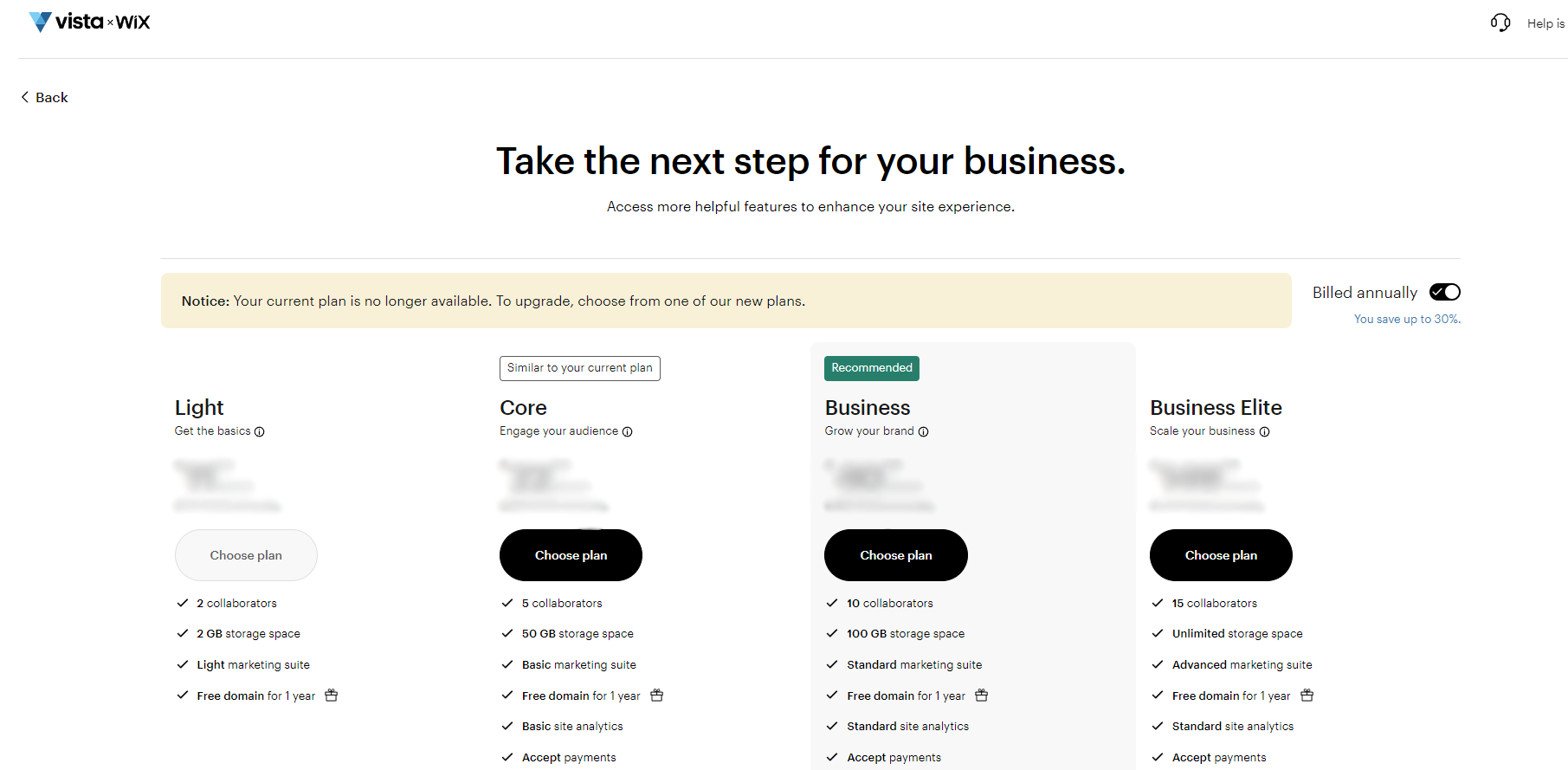
Choose your new package
Use the package picker to choose your preferred plan and billing cycle.
Note: If you're upgrading from an older Vista x Wix premium plan, we'll suggest the closest match to your current plan.
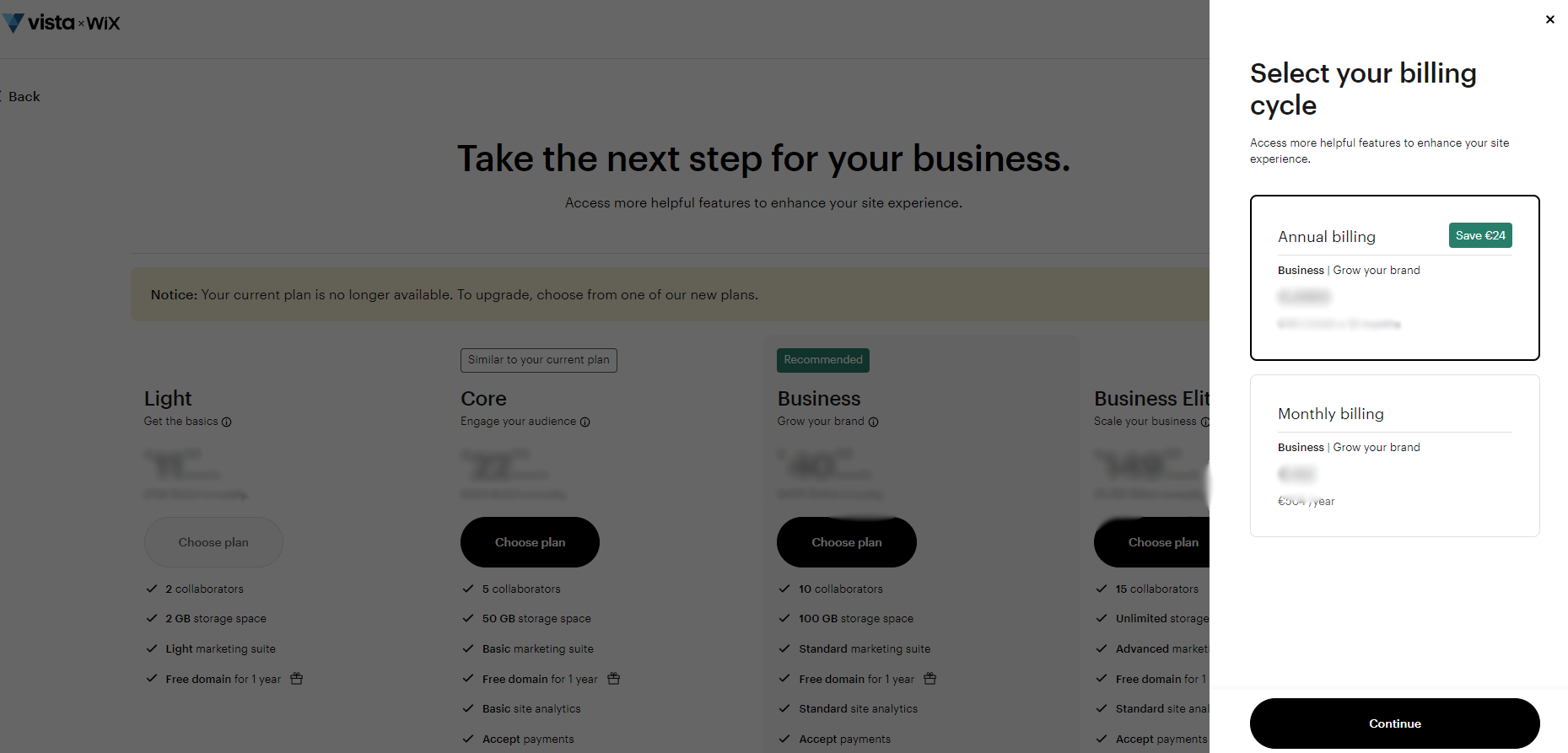
Select your billing cycle
Review your billing frequency and select Continue. If you're currently billed annually, you can't switch to monthly billing.
Complete your purchase
Complete the checkout process to finalise your upgrade.
Any remaining value from your current billing cycle will be applied to the new plan. The difference will be charged to your saved payment method.